

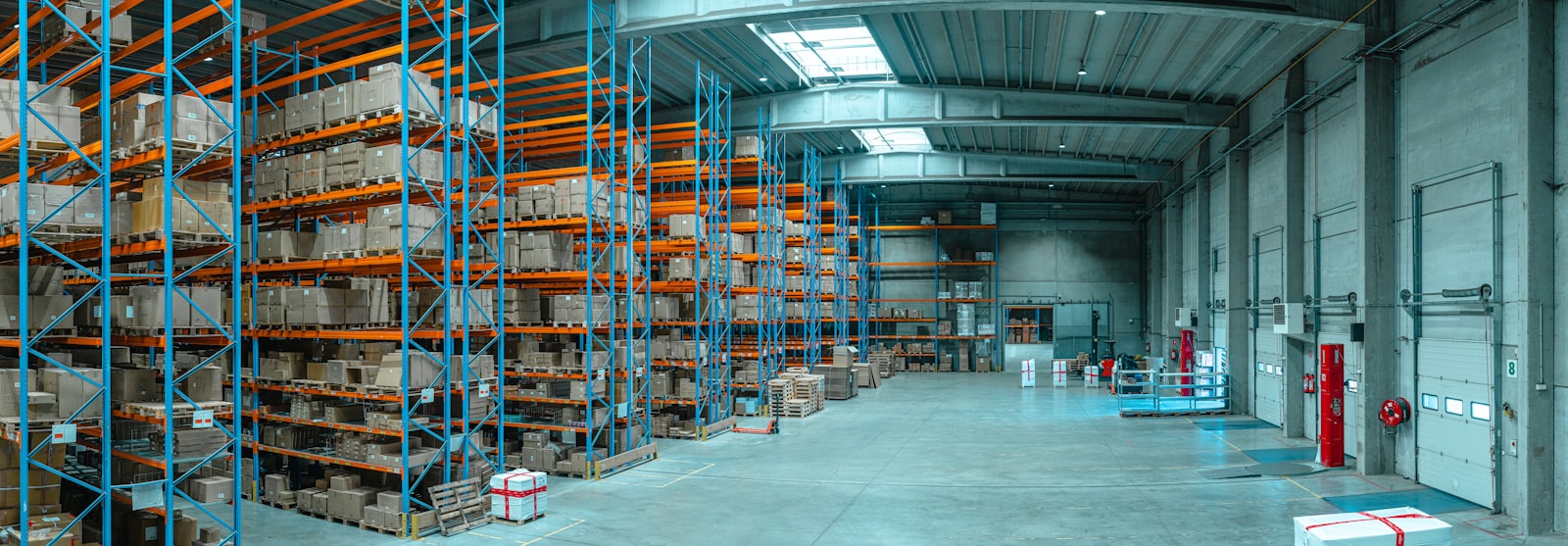
An inventory rollout can look finished in a demo and still fail at 10:15 a.m. on a Tuesday, when a receiver cannot find the right purchase order, a picker is working from an old location label, and customer orders are already waiting. This Odoo inventory rollout example is built around that moment, not around a tidy slide deck.
The point is not to make Odoo resemble the old process screen for screen. The point is to make inventory movements traceable, usable by the people doing the work, and dependable when volume picks up. That requires decisions before configuration, a controlled cutover, and an operating plan after go-live.
The Odoo inventory rollout example
Consider a mid-sized manufacturer and distributor with one warehouse, roughly 4,000 active SKUs, a small production floor, and a sales team that promises ship dates before operations sees the order. Inventory lives in a legacy accounting system, receiving is partly tracked in spreadsheets, and cycle counts happen only after someone notices a discrepancy.
The company is moving to Odoo for purchasing, inventory, sales, accounting, and manufacturing. Leadership’s stated goal is simple: stop finding out too late that a part is unavailable. The operational goal is more specific: every receipt, transfer, production consumption, return, and shipment needs a clear transaction path that matches physical work.
That distinction matters. “Accurate inventory” is not a configuration setting. It is the result of people, locations, approvals, labels, devices, and exception handling all agreeing on what happened to a product.
Start with movements, not modules
Before anyone imports a product file, map a product’s actual path through the business. In this example, purchased components arrive at a receiving dock, wait for inspection when required, move to raw-material storage, get consumed in production, become finished goods, and ship from a separate staging area. Some customer returns go back into sellable stock. Others require review or disposal.
That map exposes the decisions that usually get postponed until they become production incidents. Is stock available when it arrives at the dock or only after inspection? Can a salesperson reserve inventory that has not been received? Does production pull components automatically, or does a storekeeper issue them? Are returns handled as a formal receipt, or does someone put them on a shelf and hope accounting catches up?
Odoo can represent these paths, but it should not be asked to compensate for an undefined warehouse process. If the business has three different answers to “where does this item go after receiving?” the project has a process problem first.
Build the location structure around control points
The location hierarchy in this rollout was intentionally plain: receiving, quality hold, raw materials, production, finished goods, shipping, returns review, and scrap. Each location represented either a physical area or a meaningful control point. Nothing existed merely because the system allowed another sublocation.
This is where teams often overbuild. They create a virtual shelf map for a warehouse that has never maintained bins consistently, then discover the new labels and scan steps are being ignored. Detailed bin tracking can be worthwhile for high-volume picking, regulated materials, or expensive components. It is a burden when the physical discipline and device setup are not ready for it.
The rollout used warehouse-level locations first, with bin-level tracking reserved for fast-moving finished goods after the team had a stable receiving and picking routine. That was not a compromise in control. It was sequencing.
Clean data is a decision, not a spreadsheet task
The first inventory import included only products that could actually be bought, made, sold, or consumed. Obsolete items were archived instead of carried forward just because they appeared in the source export. Duplicate products were resolved with a named business owner, not silently merged by an implementer who had no context.
For every active item, the team established a usable product name, internal reference, unit of measure, product type, purchase and sales settings, replenishment route, cost approach, and opening quantity. Lot and serial tracking were enabled only where traceability or warranty handling required it. Adding tracking to every screw and shipping carton would have added plenty of transactions and very little control.
Units of measure deserve special attention. A vendor may sell material by case, operations may consume it by foot, and finance may expect a value in a standard unit. If conversions are unclear before go-live, inventory valuation and replenishment become arguments with decimals attached. Resolve the business rule, test it with real products, and make sure purchasing and warehouse staff see the same result.
Opening quantities were not treated as truth just because they came from the old system. The business performed a controlled count, investigated major variances, and loaded opening stock against the approved count. That creates a clean point from which Odoo can be trusted. Importing questionable balances simply moves the mystery into a new database.
Configure the normal day and the bad day
A credible rollout tests the normal flow first: receive a purchase order, put away stock, replenish a component, complete a manufacturing order, pick a sales order, validate shipment, and invoice according to the company’s policy. Then it tests what actually consumes time on the warehouse floor.
In this example, the test scenarios included a short receipt, damaged material, a supplier over-delivery, a customer order changed after picking, a partial shipment, a return, a production order that consumes more material than planned, and inventory found in the wrong location. Each scenario had an owner and a defined system action.
This is not busywork. The exception path tells people whether Odoo is a system they can use under pressure or a system they work around. Workarounds may feel harmless at first, but they are how a clean inventory record becomes a weekly detective story.
Decide who can correct stock
Inventory adjustments need a tighter rule than “the warehouse team can fix it.” In the example, designated users could perform cycle-count adjustments, but each adjustment required a reason code and review. Scrap movements followed a separate path so damaged or unusable stock did not remain available for sale.
The goal is not to turn every discrepancy into an approval committee. It is to distinguish a routine count correction from a process failure, supplier issue, or possible theft. When every adjustment looks the same, management gets a quantity change without an explanation.
Cut over in a controlled window
The project did not switch systems at the end of a long Friday with a vague instruction to “use Odoo Monday.” It set a cutover plan with a stock-freeze point, final transaction deadlines, physical count ownership, import sequence, reconciliation checks, and a clear decision-maker for open questions.
A typical sequence is to stop new inventory transactions in the old system, finish or document in-flight receipts and shipments, count agreed locations, load approved opening balances, validate totals and high-risk SKUs, then release the first live transactions in Odoo. The old system remains available for reference, but it is no longer the place where inventory changes are recorded.
Not every business needs a full warehouse shutdown. A lower-volume operation may cut over overnight. A busy distributor may need a phased rollout by warehouse, product family, or transaction type. The trade-off is straightforward: a narrower launch reduces immediate risk but creates temporary reconciliation work between old and new processes. Pretending there is no trade-off is how teams create one accidentally.
Before release, the team checked at least these five items:
- on-hand quantities and inventory value reconciled to the approved baseline;
- open purchase orders had the correct remaining quantities and expected receipts;
- open sales orders could reserve, pick, and ship correctly;
- barcode labels, printers, scanners, and user access worked in the physical warehouse; and
- accounting owners understood which inventory transactions created valuation entries and where exceptions would appear.
Go-live is the start of inventory operations
For the first weeks after launch, the project team reviewed receiving delays, unvalidated transfers, negative stock, adjustment reasons, picking exceptions, and orders that could not reserve inventory. These are operational signals, not embarrassing project leftovers. They show where the process and the configuration still disagree.
The company also set a recurring cycle-count schedule based on item risk and movement, rather than waiting for year-end. Fast-moving and high-value products received more attention than slow, low-value consumables. That focus prevents the team from spending equal effort counting everything while the items that create real disruption remain uncertain.
Ongoing support matters here because Odoo inventory does not stay still. New products, suppliers, warehouses, routes, staff, and reporting needs change the operating model. A partner who disappears after launch leaves internal staff to make production changes without staging, documentation, or a clear rollback path. That is not a handoff. It is delayed risk.
A good rollout gives the warehouse a system that reflects reality and gives leadership a record they can defend. Start with the movements that matter, make exceptions explicit, and treat cutover as an operational event rather than a software milestone. The cleaner the first live transaction is, the less time your team will spend explaining the next hundred.
Related Odoo services
Ready to get Odoo working for your business?
Start with the free Odoo Assessment: a first conversation, then a written Preliminary Scope within 5 business days. Not sure Odoo fits yet? The Odoo Score tells you in under 3 minutes.