

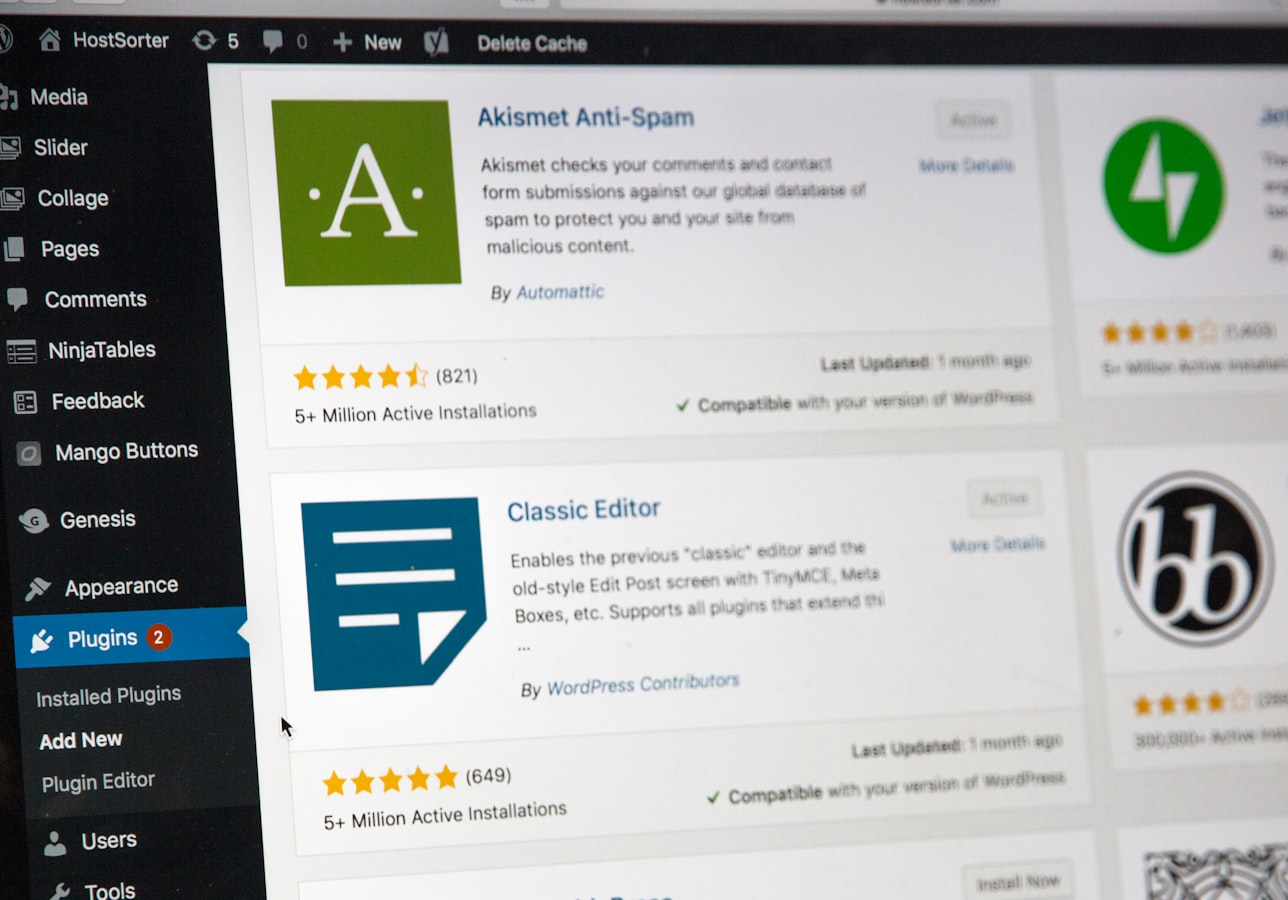
A plugin is rarely the whole problem. The real problem is a revenue-critical WordPress site carrying 38 plugins, three abandoned settings pages, a mystery custom snippet, and no clear answer to who approved any of it. If you want to know how to reduce plugin risk, start by treating plugins as production dependencies, not harmless add-ons.
WordPress makes installing software feel casual. One click, a new feature, job done. But every plugin adds code, permissions, database activity, update behavior, and another vendor’s decisions to a site that may be responsible for leads, donations, orders, member access, or public trust.
The answer is not to ban plugins or freeze updates forever. Both approaches create their own failures. The answer is to establish control over what runs, why it runs, and how changes reach production.
Plugin risk is an operations problem
Plugin risk is often discussed as a security issue, and security matters. Vulnerabilities in outdated or poorly maintained plugins are a common route into compromised WordPress sites. But that is only one form of risk.
A plugin can conflict with a theme after an update, slow down checkout, break a form integration, create duplicate customer records, expose an administrator to an unnecessary permission, or stop working when a third-party service changes its API. A plugin can also become a business continuity problem when the only person who understands it left two agencies ago.
That is why a long plugin list is not automatically bad, and a short one is not automatically safe. A site with 12 well-owned, maintained plugins can be easier to operate than one with six plugins and undocumented custom code. What matters is whether each dependency has a purpose, an owner, a review path, and a recovery plan.
Start with a plugin inventory people can use
Most companies have a list of plugins somewhere. It is usually a screenshot, an export, or a spreadsheet made during the last emergency. That is not an inventory. An operational inventory tells the next person what a plugin does and whether the business can tolerate it failing.
For every active plugin, document its business function, the site area it affects, its license and renewal status, the vendor or repository source, and the person accountable for the decision to keep it. Record important integrations too. A payment plugin, CRM connector, form tool, shipping extension, and membership system may look like ordinary WordPress components until one silently stops sending data.
Include inactive plugins in the review. Inactive does not mean harmless. If it is no longer needed, remove it after confirming it is not preserving a required feature, shortcode, or data dependency. Keeping retired plugins around “just in case” is how old code stays one accidental activation away from becoming someone else’s Friday afternoon.
The inventory should also identify custom snippets, must-use plugins, child-theme functions, and vendor code installed outside the normal plugin screen. Those pieces are easy to miss and often carry more operational importance than the plugins everyone can see.
Assign ownership, not just access
Five administrators are not five owners. In fact, they are often zero owners with five sets of credentials.
Each business-critical plugin needs a named business owner and a technical owner. The business owner can explain why it exists and what breaks if it disappears. The technical owner can assess updates, dependencies, and failure modes. In a smaller organization, one person may hold both roles, but the responsibility still needs to be explicit.
This matters most for plugins installed to solve a temporary marketing or operations request. Campaign tools, pop-up builders, event registration add-ons, and reporting connectors have a way of becoming permanent infrastructure without anyone noticing. If nobody owns the decision, nobody owns the cleanup.
Use a stricter standard for high-consequence plugins
Not every plugin deserves the same scrutiny. A small editor enhancement is not in the same category as a plugin handling payments, authentication, customer data, legal intake forms, donor records, or inventory synchronization.
For higher-consequence plugins, look beyond the feature list. Check whether the plugin is actively maintained, whether updates are released with enough regularity to suggest ongoing support, whether its documentation explains compatibility and recovery, and whether the vendor’s support process is credible for your use case. A plugin with millions of installs can still be a bad fit if it introduces a fragile dependency into a critical workflow.
Also ask a less glamorous question: what happens when this plugin is unavailable? If the answer is “we cannot take orders,” “new matters cannot be screened,” or “the board cannot access reports,” then the plugin needs change controls and monitoring proportional to that consequence.
Premium licensing is not a safety guarantee, and free software is not automatically reckless. The useful distinction is whether you can evaluate the maintenance, support, update history, and business dependency. Free plugins can be well run. Paid plugins can be abandoned. Price is not governance.
How to reduce plugin risk with staging-first updates
The most preventable plugin incidents happen when updates go directly to production because someone saw a red badge in the WordPress dashboard. Updating promptly matters, especially when a security issue is involved. Updating blindly is not a process.
A staging environment gives your team a place to test updates against a copy of the site before visitors, customers, or staff see the result. The test should reflect the paths that matter: form submission, payment, login, search, account access, key landing pages, integrations, and any workflow that triggers a downstream system.
The depth of testing should match the change. Updating a small editor utility may need a focused check. Updating WooCommerce, a page builder, an authentication plugin, or a plugin that writes data to Odoo warrants broader testing because the blast radius is larger.
Staging is not theater. A stale staging site, a broken copy process, or a test environment without realistic configuration can create false confidence. Keep it useful, and document what was tested before a production release. You do not need a bureaucratic approval ritual for every minor update. You do need evidence that a critical change was considered before it went live.
Separate urgent security updates from routine maintenance
A disclosed vulnerability changes the decision. Waiting for the next monthly maintenance window may be unacceptable if the affected plugin is exposed and actively used. But an urgent update should still follow a controlled path: confirm exposure, back up, test the shortest meaningful set of critical functions, deploy, and verify production behavior.
For routine changes, bundle compatible updates into planned maintenance windows. This makes testing more efficient and makes it easier to identify the cause if something fails. Updating every plugin, theme, and WordPress core version at once may be convenient, but it turns troubleshooting into a group project nobody asked for.
Backups only count if recovery has been tested
Many organizations say they have backups. Fewer can say they have restored one recently, confirmed the database and media files were included, and verified that the restored site actually works.
A backup is a recovery option, not a protective charm. Before significant plugin changes, make sure there is a current backup and that the restore process is known. For a site connected to payment systems, CRMs, or business systems, understand what happens to transactions and records created after the backup point. Restoring a site can fix the front end while creating reconciliation work elsewhere.
Keep the recovery plan practical. Who has access to the hosting account? Where are license keys stored? How do you put the site into maintenance mode if needed? Who decides whether to roll back or fix forward? A real incident is a poor time to discover that every credential lives in a former contractor’s password manager.
Reduce overlap before it becomes conflict
Plugin sprawl usually begins with reasonable requests. Marketing needs a form. Operations needs a connector. Someone needs redirects. Another agency adds performance tooling. Before long, two plugins perform similar jobs, three tools inject scripts, and nobody knows which one owns a setting.
Review overlap deliberately. Common trouble spots include multiple caching or optimization plugins, competing security tools, duplicate analytics scripts, several form systems, overlapping SEO settings, and multiple redirect managers. Removing duplication can reduce conflicts and make troubleshooting materially easier.
Do not consolidate merely to make the plugin count look prettier. Replacing three stable tools with one large platform can create a bigger single point of failure. Consolidate when the operational burden, duplicated function, or conflict risk is real, and test the replacement as carefully as any other significant change.
Monitor the business function, not just the homepage
A homepage returning a 200 status code does not prove the site is working. A law firm may have a broken intake form. An e-commerce company may have a failed checkout. A nonprofit may be collecting registrations but not sending confirmations. The page can look fine while the business process is dead.
Monitoring should reflect what the site is meant to do. Track uptime and basic errors, but also use periodic checks for critical user journeys where practical. Review error logs after updates. Watch for unusual admin notices, failed scheduled tasks, payment failures, form delivery issues, and integration errors.
This is where monthly reporting earns its place. Leadership does not need a recital of plugin version numbers. They need to know what changed, what was tested, what risks were found, what was removed, and whether the site is operating as intended. Technical detail belongs in the record. Decisions and exposure belong in the executive view.
Treat exceptions as decisions with an expiration date
Sometimes you cannot update a plugin immediately. A custom integration may require development work. A vendor may not support the current version of another system. A mission-critical feature may need a replacement plan before it can be removed.
That is not automatically negligence. It becomes negligence when the exception is undocumented and allowed to sit indefinitely. Record why the update is delayed, what risk is accepted, what compensating controls are in place, who approved the decision, and when it will be reviewed again.
A disciplined WordPress operation is not one where nothing ever breaks. It is one where dependencies are known, changes are tested, recovery is real, and responsibility does not disappear into a ticket queue. That is how a plugin stays a useful component instead of becoming the next unexplained outage.
Want WordPress to feel handled?
Self-serve onboarding takes minutes. Parameter takes care of the rest, hosting, ops, and improvements when you need them.