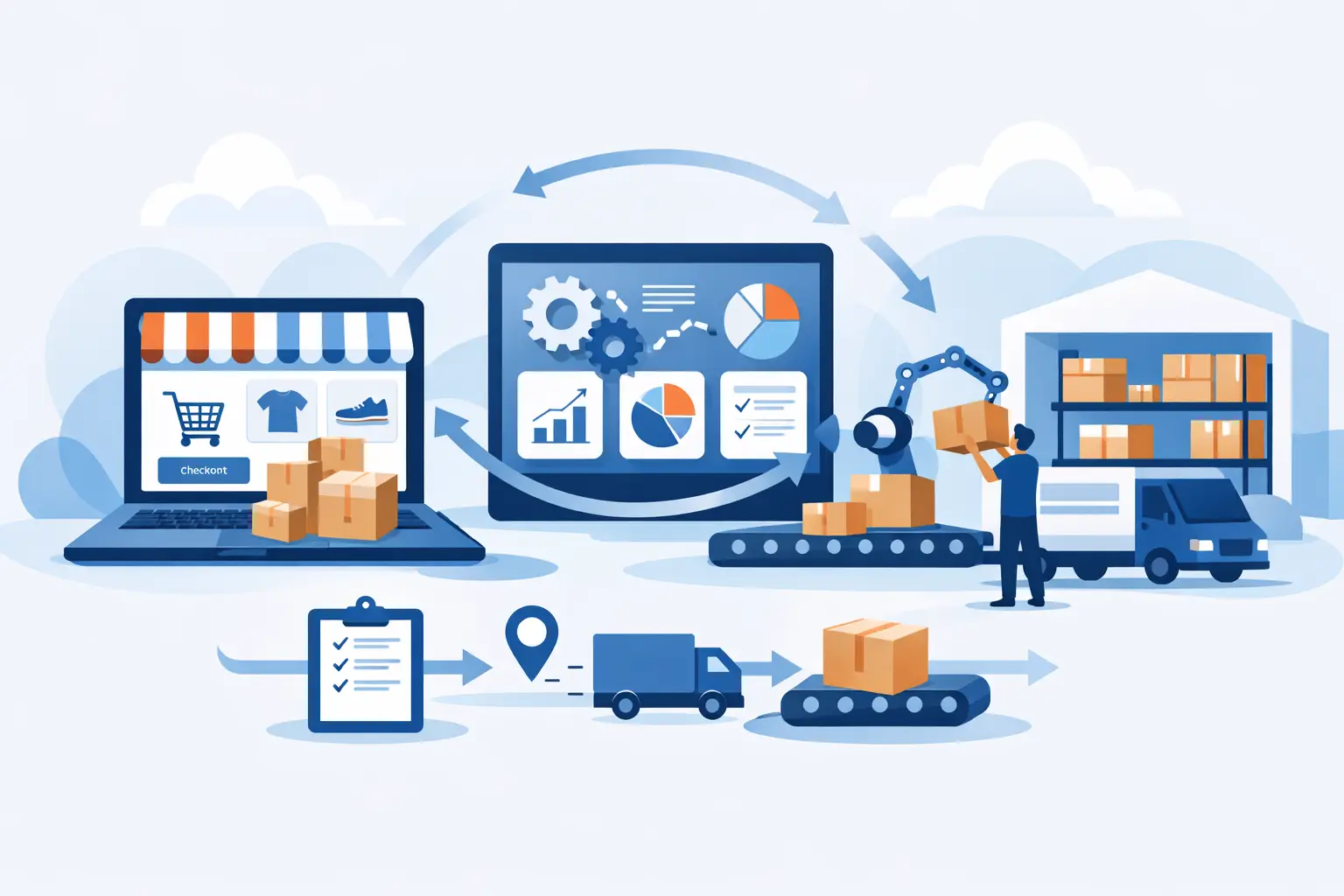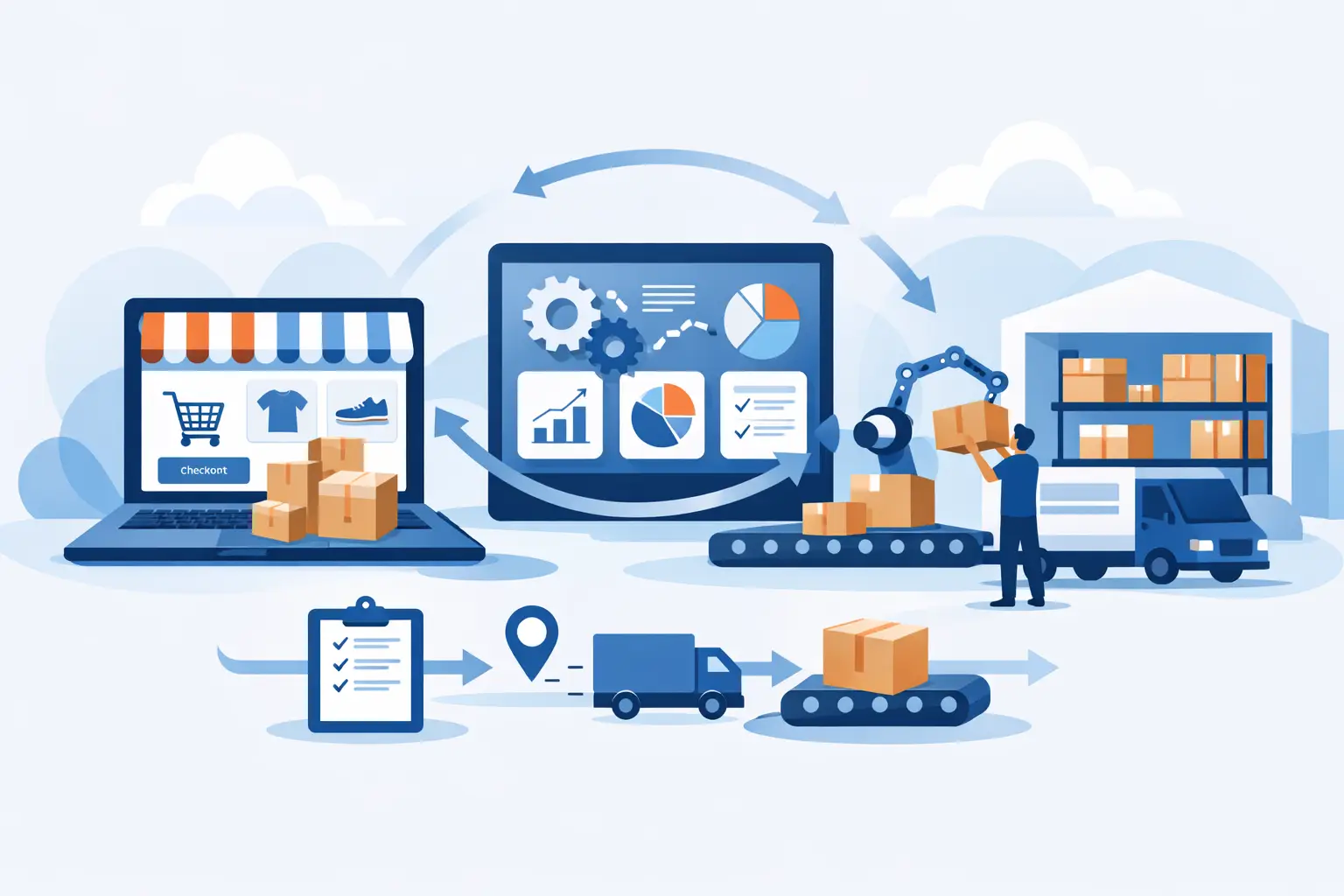
An order that appears paid in your storefront but never reaches fulfillment is not a minor technical glitch. It is a customer-service issue, an inventory issue, a finance issue, and eventually an executive issue. Ecommerce ERP integration is supposed to prevent that chain reaction. Done carelessly, it just moves the confusion from inboxes and spreadsheets into logs nobody reads.
The goal is not to connect every system because an app marketplace says you can. The goal is to make one operational process behave predictably from checkout through shipment, return, reconciliation, and reporting. That means deciding what each system owns, what data is allowed to move, and what happens when it does not.
What ecommerce ERP integration actually does
At its useful core, ecommerce ERP integration connects the system where customers place orders with the system that runs the business behind those orders. The storefront may handle product discovery, checkout, promotions, and customer-facing order status. The ERP may handle inventory, purchasing, fulfillment, accounting, manufacturing, tax treatment, and customer records.
Those systems need to exchange information, but not necessarily all information in both directions. A product title may belong in the storefront. A sellable inventory quantity may originate in the ERP. An order may be created online, then become the ERP’s responsibility once payment is authorized. If nobody defines those boundaries, both systems start editing the same facts. That is how stock counts drift, refunds disappear, and staff begin keeping a “real” spreadsheet on the side.
For a business using Odoo, the integration may connect an online store to Odoo Sales, Inventory, Accounting, Purchase, Manufacturing, or CRM. For another business, the ERP could be a legacy system with a database that has survived three ownership changes and several people saying, “Do not touch that.” The principles are the same.
Start with process ownership, not connectors
A connector can authenticate two platforms in an afternoon. It cannot answer the questions that make the integration reliable.
Before building anything, map a real order from start to finish. Not the happy-path version from a slide deck. Follow an order with a discount, a split shipment, a backordered item, a sales-tax adjustment, a customer address correction, and a partial refund. Those are not edge cases if your team encounters them every week.
For each stage, establish a system of record. Usually that means being explicit about a few core objects: product data, pricing, available inventory, customers, orders, shipments, refunds, and financial postings. One system can publish a field while another consumes it, but two systems should not independently “own” the same field without a clear conflict rule.
Inventory is the usual trouble spot. A storefront may need frequent updates to prevent overselling, while the ERP needs to account for reservations, incoming purchase orders, warehouse movements, damaged stock, and manufacturing demand. Sending a raw on-hand quantity to the website can be worse than sending nothing. The customer-facing number should reflect the quantity you are actually willing to sell, based on rules your operations team understands.
The integration decisions that cause real damage
Most failed integrations are not caused by a lack of APIs. They fail because important decisions were treated as implementation details.
Product and variant mapping
A SKU is not always enough. Products often have variants, bundles, kits, custom options, subscriptions, or items sold under different names in different channels. If the storefront bundle does not map cleanly to the ERP’s component items, warehouse staff may receive an order they cannot pick correctly.
Define stable identifiers early. Do not use product names as matching keys because marketing will change them, usually for a good reason, at exactly the wrong time for a brittle integration.
Order state and payment state
“Paid,” “authorized,” “fulfilled,” “cancelled,” and “refunded” are not interchangeable. Different platforms use different status models, and forcing one platform’s labels onto another creates false confidence.
A practical design documents the event that triggers each action. For example, an authorized order may enter the ERP for allocation but not be released for shipment until a payment capture rule is met. A cancellation in the storefront may need to stop fulfillment in the ERP, but only if no warehouse action has started. These rules are business policy expressed in software. They need an owner on the business side, not just a developer who guessed.
Exceptions and retries
Every integration will fail sometimes. An API times out. A product is missing. A tax code is invalid. A warehouse location was renamed. The question is whether failure becomes visible quickly and whether the system can retry safely.
The dangerous pattern is a silent failure followed by a manual fix. At first, someone notices and repairs it. Then volume rises, staff changes, and nobody knows which orders need repair. A production-grade integration records what happened, prevents duplicate order creation, flags records requiring attention, and gives the right person enough context to resolve the issue.
Choose the architecture your operations can support
There are three common ways to handle ecommerce ERP integration: a prebuilt connector, an integration platform, or custom integration work. None is automatically the right answer.
A prebuilt connector is reasonable when your workflow closely matches what the connector expects. It can reduce initial build time and may cover ordinary order, inventory, and fulfillment flows. The trade-off is that its configuration becomes part of your operating model. If your process needs unusual mappings, approval steps, multi-warehouse rules, or custom pricing logic, you can end up bending the business around the connector.
An integration platform can help when several systems need to exchange defined events and data. It is useful for controlled workflows, but it still needs ownership, logging, security decisions, and maintenance. Dragging boxes between applications does not remove engineering work. It mostly changes where that work lives.
Custom integration is often justified when the workflow is core to how the business competes or operates: made-to-order manufacturing, complex B2B terms, account-specific catalogs, partner ordering, regulated records, or a legacy system that cannot be replaced yet. The downside is responsibility. Custom code needs documentation, monitoring, tested changes, and someone accountable after launch. A one-time build handed over without operations is just future mystery code with better formatting.
Build for change, because the business will change
Ecommerce operations rarely stay still. You add a warehouse, launch a wholesale channel, change a returns policy, introduce subscriptions, acquire a product line, or move accounting processes. An integration that only works under the original assumptions has a short shelf life.
That does not mean overbuilding on day one. It means making the assumptions visible. Document field mappings, event rules, credentials, error handling, and manual fallback procedures. Keep separate testing and production environments where possible. Test a release against realistic orders before it touches live fulfillment. A discount campaign should not be the first load test for a new order sync.
Security belongs in the design too. Integrations often carry customer data, order history, addresses, and financial signals between systems. Access should be limited to what the integration actually needs, credentials should be managed rather than shared in a spreadsheet, and changes should be traceable. This is not ceremony. It is how you avoid discovering six months later that a departed contractor still has the key to a critical connection.
What to measure after go-live
Go-live is where the real work starts. The integration needs operational reporting that an operations leader can use without translating logs into business language.
Watch the number and age of failed syncs, orders awaiting manual action, inventory mismatches, duplicate records, and the time between an operational event and its appearance in the receiving system. Review patterns, not just incidents. If the same order type fails every Friday, the issue is probably a rule, not bad luck.
Also keep a reconciliation process. Periodically compare order totals, refunds, fulfillment status, and relevant inventory records across systems. Automation reduces manual handoffs. It does not eliminate the need to verify that the books and the operational record still agree.
Treat integration as an operating system
The wrong question is, “Can these two platforms integrate?” Almost everything can, technically. The better question is whether the connection will still make sense after a promotion, a partial return, an inventory shortage, and a staff change all happen in the same week.
Good ecommerce ERP integration makes routine work boring. Orders arrive where they should, inventory reflects the rules you chose, exceptions are visible, and nobody has to become the human bridge between systems. If the process still depends on one person knowing which spreadsheet to check before lunch, the integration is not finished. It is merely connected.
Want WordPress to feel handled?
Self-serve onboarding takes minutes. Parameter takes care of the rest — hosting, ops, and improvements when you need them.