
Client Portal Software: When to Buy and When to Build
Most businesses shopping for a client portal should buy the subscription and move on. This breaks down the signals you have outgrown a shared inbox, the five conditions that justify a custom build, and the v1 feature set that actually ships in eight to twelve weeks.

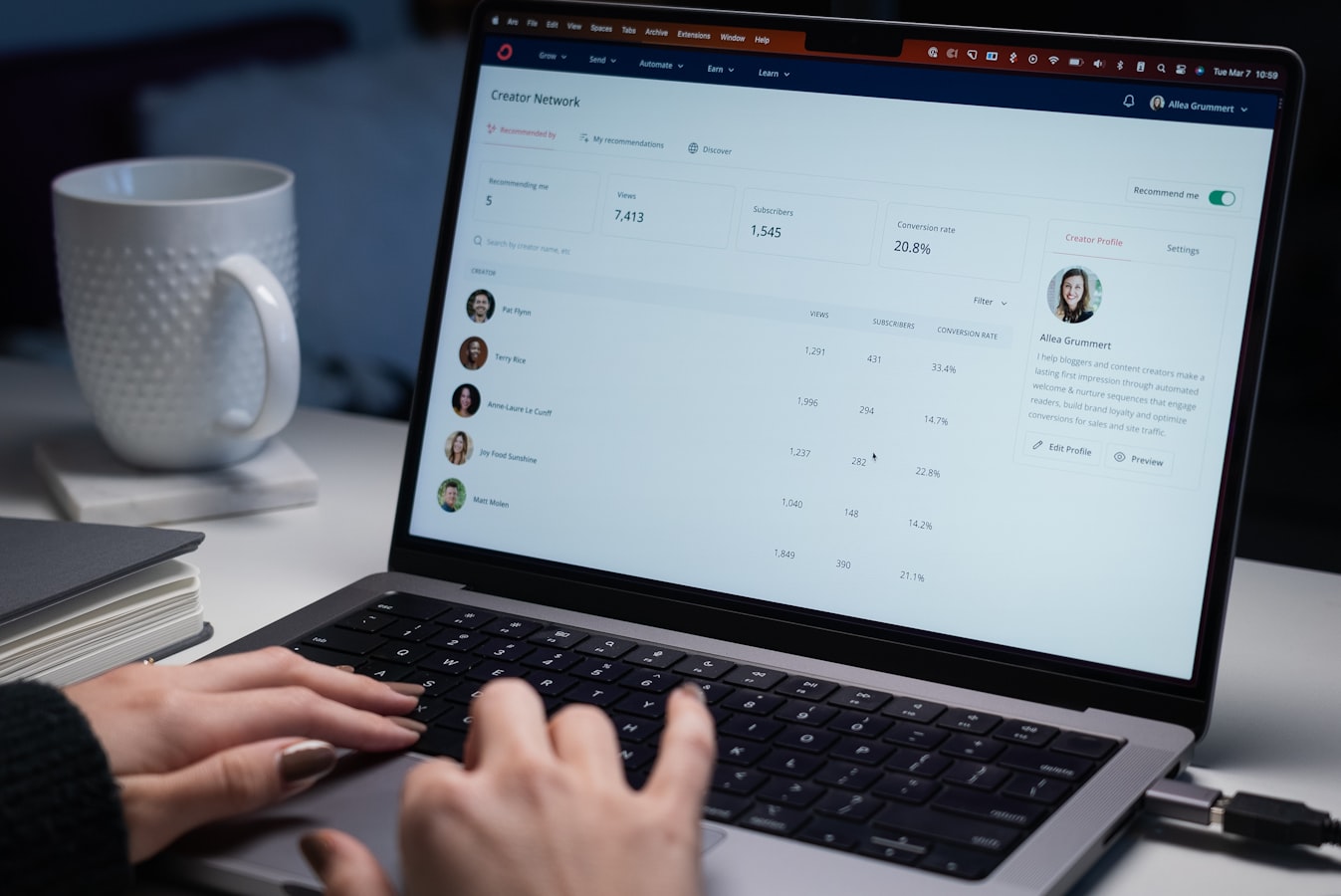
A client asks for the file you sent in March. You search your inbox, find three versions of it, and cannot tell which one you actually approved. That is the moment most firms start shopping for client portal software, and it is a reasonable moment to start.
The question is not whether you need a portal. If you serve repeat clients who send documents, ask for status, and pay invoices, you need one. The real question is whether you buy a per-seat subscription and live with what it does, or build something that fits how your business actually runs.
Signs You Have Outgrown the Shared Inbox
Email is a perfectly good client interface until volume crosses a threshold. Below that line, a shared inbox and a Dropbox folder cost nothing and work fine. Above it, you pay for the workaround in hours nobody bills.
The threshold is easier to spot than most people expect. It shows up as small recurring friction rather than one dramatic failure. Here is what it looks like in practice:
- Two people answer the same client question differently in the same week.
- You spend more than an hour a week re-sending documents you already sent once.
- Clients email a person instead of your company, and work stops when that person takes vacation.
- Status updates require a recurring meeting instead of something a client can look up.
- You have no record of when a client approved something, only a thread you would have to reconstruct.
- Onboarding a new client depends on a checklist that lives in one employee’s head.
Three of those is a nuisance. Five is a staffing problem you are about to solve by hiring, when software would be cheaper. That is the honest trigger for shopping: not ambition, but the hours you are quietly losing every month.
Buy Off the Shelf First, Most of the Time
Parameter argues against custom builds more often than for them, and portals are the clearest case. The market for client portal software is mature. Dozens of products handle secure file exchange, e-signature, messaging, invoice payment, and a branded login on a monthly per-seat subscription.
If your workflow is document in, document out, with a conversation attached, buy the subscription. You can be live in a couple of weeks, and you will have committed to nothing you cannot walk away from.
What Off-the-Shelf Handles Well
Accounting firms, law practices, agencies, and consultancies mostly share the same shape of work, and vendors have been building for that shape for a long time. Secure upload, permissions by client, threaded comments on a file, notification email, and an audit trail are all table stakes now.
Shopping for the best client portal software usually ends with a shortlist of a few names picked on price and interface. That process is fine. Just run the trial, if the vendor offers one, with two real clients instead of a demo account, and watch whether your team actually stops using email.
When Custom Client Portal Software Is Justified
A custom build earns its cost in one situation: the portal has to do something specific to your business, and that something is where your margin lives. Not “we want our colors on it.” Something operational that a generic product structurally cannot handle.
- Your data lives somewhere the vendor cannot reach. Job status in a legacy database, inventory in an ERP, pricing rules in a spreadsheet nobody is willing to replace.
- Clients need to do something, not just see something. Configure an order, request a quote against your real price book, schedule a crew, approve a change that flows straight into billing.
- Your permissions are unusual. Tiered contracts, per-location access, or parent companies that need rollup views across subsidiary accounts.
- Per-seat cost has passed build cost. Multiply your seat count by the monthly price, then by thirty-six months. Past a certain head count, that arithmetic changes the conversation.
- The portal is the product. If clients would pay for access on its own, you are not buying a tool. You are building a business asset.
If none of those apply, buy. If two or more apply, a custom software build stops being a luxury and starts being the cheaper option across a three year horizon.
The Middle Path Most People Skip
There is a third option that rarely gets considered: keep the off-the-shelf portal and build only the piece it cannot do. A well-scoped integration between your systems that pushes live job status into the portal costs a fraction of a full build and answers the complaint clients are actually making.
We also build portals on top of platforms companies already run. If your operation lives in Odoo ERP, the customer portal already exists and mostly needs configuration plus a few custom views. If your marketing site runs on WordPress, an authenticated client area can share the same design system and the same login. Both routes cost less than starting from an empty repository.
The V1 Feature Set That Actually Matters
Portal projects fail on scope, not on code. A version one that ships in eight to twelve weeks contains far less than everyone expects, and that restraint is the whole point. Ship the thin version, watch real clients use it, then decide what version two needs.
Six things belong in v1. Everything else is negotiable:
- Authentication a non-technical client can survive. Email login, a password reset that genuinely works, optional two-factor. No SSO unless an enterprise client is requiring it in writing.
- One canonical list. Projects, matters, orders, or tickets: whatever clients call to ask about, shown with a current status and a date.
- File exchange with versioning. Upload, download, and a visible history so nobody argues about which draft was final.
- Comments tied to the record. Not a chat product. Comments attached to the job itself, so context survives staff turnover.
- Notification email that links back in. Clients live in their inbox. The portal wins by pulling them out of it one click at a time.
- An internal admin view. Your team needs to see exactly what the client sees and fix bad data without calling a developer.
Notice what is absent. No dashboard full of charts, no native mobile app, no AI assistant, no white-label reseller tier. Those are version two conversations, and they should be driven by real usage data instead of a wish list written before launch.
What Stalls Client Portal Projects
Portal builds tend to stall for the same three reasons, and none of them are technical. All three are decisions, not engineering problems, and your team owns them.
The first is vocabulary. Nobody has decided what a status actually means. If “In Review” means one thing to sales and another to production, the portal will publish that disagreement to your clients on day one. Settle the words before anyone writes code.
The second is data quality. Client records in the CRM do not match the accounting system, so portal accounts go out with the wrong contact or the wrong company name. Cleanup is not optional and it is real work. Run it in parallel with the build, never after.
The third is approval sprawl. Six stakeholders, no decider, and a design review that reopens questions everyone thought were settled. Name one person who can approve scope. Projects with a single decider ship, and projects with a committee negotiate.
Budget and Timeline Before You Commit
Off the shelf costs a monthly subscription that scales with your seat count, goes live in two to four weeks, and carries close to zero implementation risk. Price every custom quote against that number, not against the cost of doing nothing.
A focused custom v1 built on an existing stack is eight to twelve weeks of work, with discovery and data cleanup running alongside rather than in sequence. A full platform with unusual permissions, deep integrations, and a client-facing ordering flow runs longer. Anyone quoting six weeks for that has not read the requirements.
Add ongoing cost to both sides of the comparison. Custom software needs hosting, monitoring, dependency updates, and someone who answers the phone when a client cannot log in. Budget maintenance from day one, because a portal nobody maintains turns into a security liability. Somebody has to own patching and uptime, whether that is your team or an ongoing maintenance plan.
Want a Portal That Fits Your Actual Workflow?
Often the right answer is buy the subscription and stop reading articles about this. If that is your situation, we will say so, and it costs nothing to hear it from an engineer rather than a salesperson.
If your business has the awkward requirement that no vendor covers, that is worth a real conversation. Tell us what your clients ask for and where those requests currently go, and we will scope a v1 that ships instead of a roadmap that stalls. Talk to us about your client portal and what it has to do.
Have software that needs to actually work?
Custom applications, integrations, and applied AI, scoped to the problem and operated after launch instead of shipped and abandoned.