

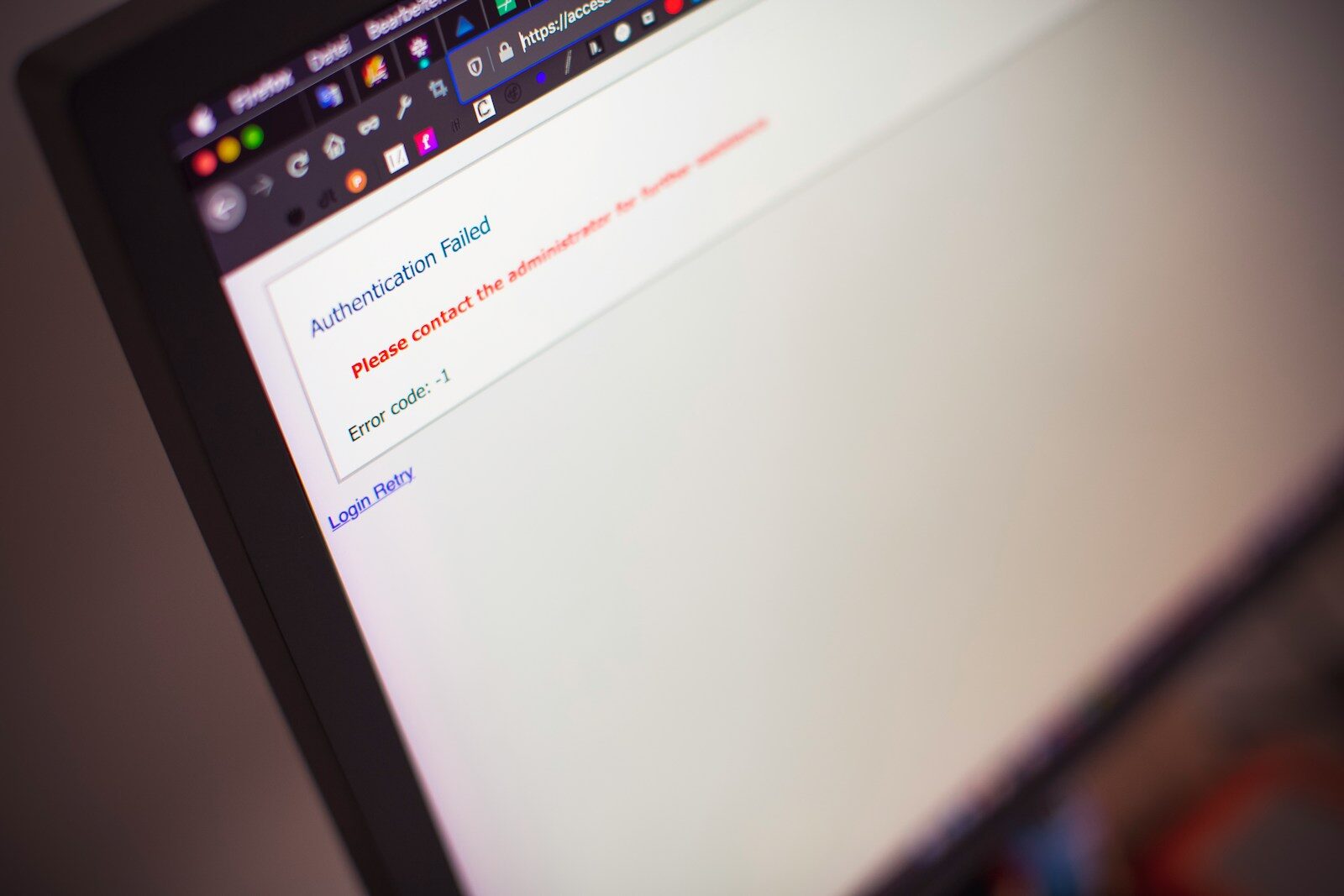
A WordPress site rarely goes down at a convenient time. It goes down before a launch, during a donor push, after a plugin update, or right when leadership finally asks for traffic numbers. When you’re staring at a website down WordPress incident, the real problem usually isn’t the homepage. It’s the operating model behind it.
Most teams don’t have a WordPress problem so much as a production discipline problem. The site lives on aging hosting, updates happen directly on live, backups exist in theory, and nobody is fully sure who owns the stack. That setup works right up until it doesn’t.
Why a website down WordPress incident happens
If your WordPress site is down, the visible symptom is simple enough. Users get a timeout, a 500 error, a blank page, a redirect loop, or an SSL warning that makes your brand look asleep at the wheel. The underlying cause is usually one of a handful of operational failures.
Hosting is the obvious culprit, but not always for the reason people think. It’s not just server uptime. It’s resource limits, failed restarts, bad caching layers, overloaded databases, PHP version mismatches, and support that responds like your outage is one ticket among many. Cheap hosting isn’t cheap when your intake form, cart, or newsroom is offline.
Updates are another repeat offender. WordPress core updates can be fine. Plugin and theme updates can also be fine. The trouble starts when a site has custom code, abandoned plugins, mystery edits inside a theme, or a long chain of dependencies nobody has documented. Then a routine update turns into a white screen and a lot of guessing.
DNS and SSL issues cause a different kind of chaos because they often look random to non-technical teams. The site may work in one location and fail in another. The domain may resolve, but assets break. A certificate may expire quietly until a browser turns your homepage into a warning label. These aren’t edge cases. They’re common signs that nobody is actively operating the site.
Then there’s compromise. If the site is hacked, taken over by spam redirects, or blocked by the host after malware is detected, speed matters. So does judgment. Restoring from backup without understanding the entry point is how teams get reinfected a week later and call it bad luck.
What to do first when WordPress is down
Start by narrowing the blast radius. Is the site down for everyone, or only some users? Is the front end broken while wp-admin still loads? Are forms, checkout, or logins failing while pages still render? A full outage and a partial outage are different incidents, and treating them the same wastes time.
Next, identify what changed. That could be an update, a DNS edit, an expired card on the hosting account, a new plugin, a WAF rule, a certificate renewal, or a deployment from a developer who swore it was a tiny tweak. If something changed within the last 24 hours, assume it matters until proven otherwise.
Then stop making the problem worse. Don’t stack three more plugin updates on top of a crash to see if it helps. Don’t restore random backups without checking recency and integrity. Don’t let six people poke at production from six directions. Outages get extended by panic far more often than by complexity.
A sound first-response sequence is boring, which is exactly why it works. Confirm the error, check server status and logs, review recent changes, validate DNS, validate SSL, disable the suspected plugin or theme if you have safe access, and restore only when you know what state you’re restoring to. If that sounds more like software operations than website management, that’s because it is.
The common causes behind website down WordPress cases
Bad updates, not just old plugins
People love to blame outdated plugins, and sometimes they’re right. But plenty of outages come from rushed updates on fragile sites. If your site depends on custom templates, old builders, patched plugins, or snippets added by five different vendors over four years, even a legitimate update can trigger failure.
The fix isn’t to never update. That just stores up risk and compounds it. The fix is staging-first testing, compatibility checks, rollback plans, and someone who knows which components are business-critical.
Hosting that was fine until traffic mattered
A site can limp along on weak infrastructure for months and then fail the moment a campaign sends real visitors. That’s why teams get fooled. The site seemed fine under normal conditions, but normal conditions were never a real test.
If your WordPress site slows to a crawl or crashes under load, the issue may be PHP workers, database bottlenecks, caching conflicts, or a host that oversold capacity. Moving hosts can help, but migration alone won’t save a badly managed application stack.
DNS drift and expired SSL
These failures are less dramatic in the build-up and more damaging in the moment. A registrar change, nameserver edit, CDN setting, or expired certificate can take down a healthy site or make it appear unsafe. Leadership doesn’t care whether the server is technically up if the browser says Not Secure.
This is where documentation matters. If nobody knows where DNS is managed, who controls the registrar, or how certificates renew, the outage is no longer technical. It’s organizational.
Custom code with no owner
This is the classic inherited-site problem. The site works until it doesn’t, and the person who built the custom functionality is gone. There’s no repo, no deployment process, and no clean handoff. Just production edits and crossed fingers.
That’s also why break-fix support gets expensive fast. Every incident starts with archaeology. You’re paying someone to figure out what they’re looking at before they can even begin to repair it.
How mature teams prevent WordPress downtime
The teams with the fewest outages are not the teams with perfect websites. They’re the teams that run imperfect websites with discipline. There’s a difference.
First, they separate changes from production. Updates and code changes go to staging first, where failures are cheaper and easier to reverse. That one habit prevents an absurd number of public incidents.
Second, they treat backups like recovery tools, not comfort blankets. A backup only counts if it’s recent, restorable, and tested. If your backup plan is “the host probably has one,” that’s not a plan. That’s optimism in a collared shirt.
Third, they monitor what matters. Uptime checks are table stakes, but serious monitoring also watches SSL status, disk space, resource spikes, failed services, and suspicious behavior. The point is not to collect charts. The point is to know about a problem before your prospects, board, or customers do.
Fourth, they maintain a clear owner. Not a loose collection of people who can maybe log in somewhere. One accountable team that knows the environment, the dependencies, the business priorities, and the recovery path. Vendor sprawl is a downtime multiplier.
Why most “fixes” don’t fix much
A lot of website down WordPress articles tell you to deactivate plugins, switch themes, and call your host. That’s fine as a basic checklist, but it misses the business reality. If your site supports intake, donations, applications, lead flow, or customer communication, you don’t need a trivia quiz about possible causes. You need fast triage, controlled recovery, and a way to stop repeating the same outage every quarter.
That usually means changing the operating model, not just the plugin set. Better hosting can help. So can code cleanup. But if updates are still ad hoc, backups are still untested, and no one owns the stack, you’re still one routine change away from another incident.
This is where businesses often waste money. They pay once for emergency repair, then go back to the same setup that caused the outage. The invoice gets filed, everyone exhales, and the underlying risk stays right where it was. Calm returns. Discipline does not.
What good WordPress operations look like
Good operations are not flashy. They look like tested backups, monitored uptime, documented access, scheduled maintenance windows, changelogs, staging validation, and monthly reporting that a non-technical leader can actually read. It’s not glamorous. It is what keeps ordinary issues from becoming executive problems.
For organizations running WordPress alongside Odoo or other core systems, the bar should be even higher. Website outages don’t happen in isolation. They affect lead capture, support flows, stakeholder communication, and trust. If your ERP is handled one way and your public site is handled like a side project, you’ve created an avoidable weak point.
That’s why serious teams stop treating WordPress like a marketing toy. It’s production infrastructure with a CMS attached. Once you operate it that way, downtime gets less mysterious and much less frequent.
If your site is down right now, restore service carefully and document what actually failed. If your site is up but fragile, fix the conditions that make the next outage likely. The lesson is usually not that WordPress is broken. It’s that “someone handles it” was never a system you could trust.
Want WordPress to feel handled?
Self-serve onboarding takes minutes. Parameter takes care of the rest — hosting, ops, and improvements when you need them.