

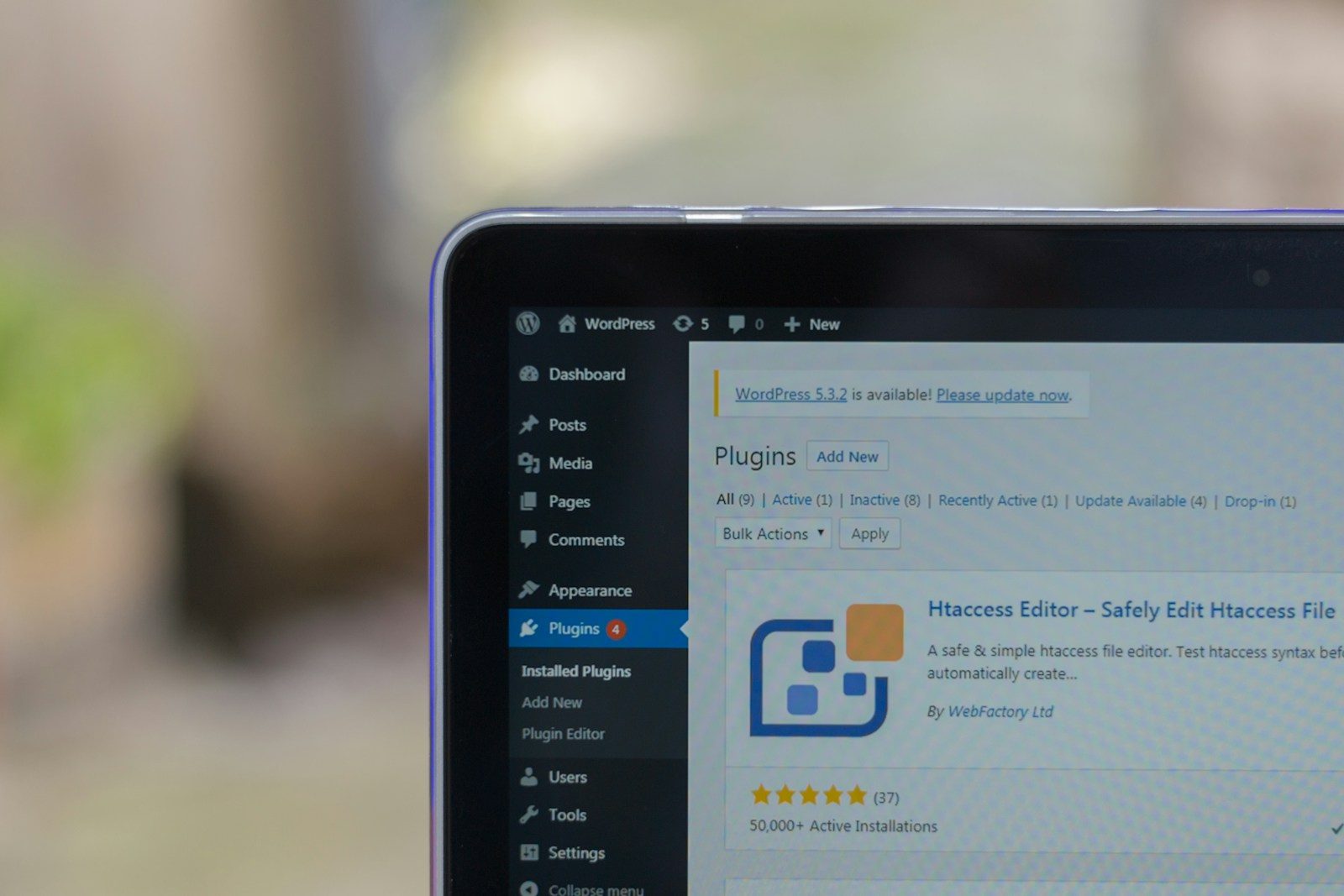
Most companies do not start looking for a wordpress maintenance service because everything is going well. They start after a plugin update breaks forms before a campaign launch, after malware slips in through neglected code, or after nobody can explain when the last clean backup was taken. By that point, the website is no longer a marketing asset alone. It is an operational dependency, and it needs to be managed that way.
That distinction matters. A business website that drives leads, supports sales, publishes investor updates, or serves customers cannot be treated like a completed design project. It is a live system with moving parts: core updates, plugin changes, hosting dependencies, SSL certificates, performance regressions, form delivery, user permissions, and security exposure. If no one owns those moving parts on an ongoing basis, risk accumulates quietly until it becomes visible at the worst possible time.
What a wordpress maintenance service is really for
A strong wordpress maintenance service is not a monthly checkbox where someone clicks update and hopes nothing breaks. It is an operational layer designed to keep a business-critical site secure, available, documented, and stable over time.
That means the service should do more than react to obvious failures. It should reduce the chance of failure in the first place. The practical goal is business continuity: your website stays online, pages load properly, forms submit, content editors can work, and changes are introduced in a controlled way.
For many organizations, the problem is not lack of effort. It is fragmented responsibility. Hosting sits with one vendor, development with another, content with marketing, DNS with IT, and nobody has full accountability when something goes wrong. A maintenance partner should close that gap. There should be a clear owner for the health of the platform, not a chain of handoffs.
The core functions a maintenance service must cover
At a minimum, the service should own updates, backups, monitoring, security hardening, performance checks, and incident response. But those words get used loosely, so it helps to define what good actually looks like.
Updates should be controlled, not casual
WordPress core, plugins, themes, and PHP versions all change over time. Those changes can improve security and compatibility, but they can also introduce conflicts. If updates are applied blindly on a live site, even a routine patch can break layouts, forms, checkout behavior, or custom integrations.
A disciplined maintenance service tests updates, sequences them properly, and watches for downstream impact. On a simple brochure site, that process may be lightweight. On a site with custom functionality, CRM integrations, or revenue-critical workflows, it should be much more structured. The right level of process depends on the business impact of failure.
Backups should be usable, not theoretical
Many companies believe they are backed up until they need a restore. Then they find out the backup is incomplete, too old, stored in the wrong place, or never verified.
A real maintenance program treats backups as a recovery system, not a comforting idea. Backups should run on schedule, be stored securely, and be restorable within a defined process. If your site supports lead flow or customer activity, backup integrity is not optional.
Monitoring should catch issues before users do
Basic uptime monitoring is useful, but it is not enough by itself. A site can be technically online while still failing in ways that hurt the business. Forms stop sending. Pages load slowly. SSL warnings appear. Scheduled jobs fail. Admin access behaves oddly.
A good service monitors for the signals that matter to operations, not just whether the homepage returns a response. That includes availability, performance trends, security events, and indicators that core functionality has degraded.
Security should be preventive
Security on WordPress is often framed as a cleanup problem. That is too late. The better approach is to reduce attack surface before an incident happens.
That usually includes hardening configurations, limiting unnecessary plugins, enforcing update discipline, protecting login access, reviewing administrative permissions, and watching for suspicious changes. Not every site needs the same controls. A public-facing media site, a lead generation site, and a membership site have different risk profiles. What matters is that security decisions are intentional and maintained.
Why many maintenance arrangements fail
The most common failure is not technical. It is operational.
Some providers sell maintenance as a low-cost add-on with little depth behind it. They update plugins, send a generic report, and step away. That can work for low-stakes sites with minimal change, but it breaks down fast when the website supports active campaigns, custom features, or executive visibility.
Other arrangements fail because the service is reactive by design. The provider is available when something breaks, but no one is proactively reducing risk, reviewing trends, documenting the environment, or planning around upcoming changes. That is not maintenance. That is delayed firefighting.
There is also the issue of inherited complexity. Many businesses operate websites built by previous agencies, with unclear custom code, aging plugins, and undocumented dependencies. In those cases, maintenance cannot be reduced to routine tasks. The provider has to assess what exists, identify fragile areas, and stabilize the system over time. You do not need to rebuild everything, but you do need someone willing to take responsibility for what is there.
How to evaluate a wordpress maintenance service
If you are comparing providers, the most useful question is simple: who is accountable when something goes wrong?
Not who sold the hosting. Not who originally built the site. Not who has admin access. Who actually owns the response, communicates clearly, and works the problem through to resolution?
That accountability should show up in the service structure. You should know what is included, how incidents are handled, how updates are managed, what gets documented, and what happens when the site needs more than routine support. If the answer is vague, the service probably is too.
Look for operational clarity
A reliable provider should be able to explain cadence, controls, escalation paths, and scope boundaries in plain language. If they cannot tell you how they handle failed updates, malware events, staging workflows, or plugin risk, you are buying uncertainty.
Look for business alignment
The right maintenance model depends on what the website actually does for the company. A site tied to board communications, product launches, recruiting, or lead generation deserves more rigor than a dormant microsite. Good providers adjust service depth to business importance. They do not pretend every WordPress install needs the same treatment.
Look for continuity, not just labor
You are not hiring a pair of hands. You are putting a system under care. That means institutional knowledge matters. Documentation matters. Change history matters. The provider should make the environment more stable and more understandable over time, not more dependent on hidden knowledge.
Maintenance is not separate from improvement
One reason businesses outgrow break-fix support is that website operations and website improvement are connected. Performance tuning, template adjustments, plugin replacement, content workflow fixes, analytics cleanup, and redesign planning all benefit from a team that already understands the environment.
That does not mean every maintenance provider should also be your long-term development partner. But it does mean there is value in a team that can stabilize first, then improve with context. When operations and development are disconnected, changes get made without enough awareness of hosting constraints, plugin interactions, security policies, or business-critical dependencies.
For organizations managing both WordPress and internal systems, the value of coordination gets even higher. Website forms, lead routing, customer portals, and reporting often connect to broader operational workflows. A provider that understands both public-facing platforms and back-office systems can prevent a lot of friction that siloed vendors create.
Parameter is built around that operating model: accountable stewardship for systems that businesses rely on every day, not one-off delivery followed by silence.
What good service feels like in practice
It feels quiet. Not because nothing is happening, but because the right things are happening before they become emergencies.
Updates are handled in a controlled way. Hosting issues are identified early. Security exposure is reduced instead of explained away. Performance gets attention before stakeholders complain. Documentation improves. Risks are surfaced plainly. And when an incident does happen, there is no scramble to figure out who owns it.
That is the real standard. A wordpress maintenance service should lower operational noise, reduce avoidable risk, and create confidence that the website is under active management.
If your site matters to revenue, reputation, or continuity, maintenance is not a minor support line item. It is the difference between a platform that stays dependable under pressure and one that keeps surprising you at exactly the wrong moment.
The right partner will not promise that nothing ever breaks. They will make sure your website is watched, maintained, and supported by a team that takes responsibility when it counts.
Want WordPress to feel handled?
Self-serve onboarding takes minutes. Parameter takes care of the rest, hosting, ops, and improvements when you need them.