

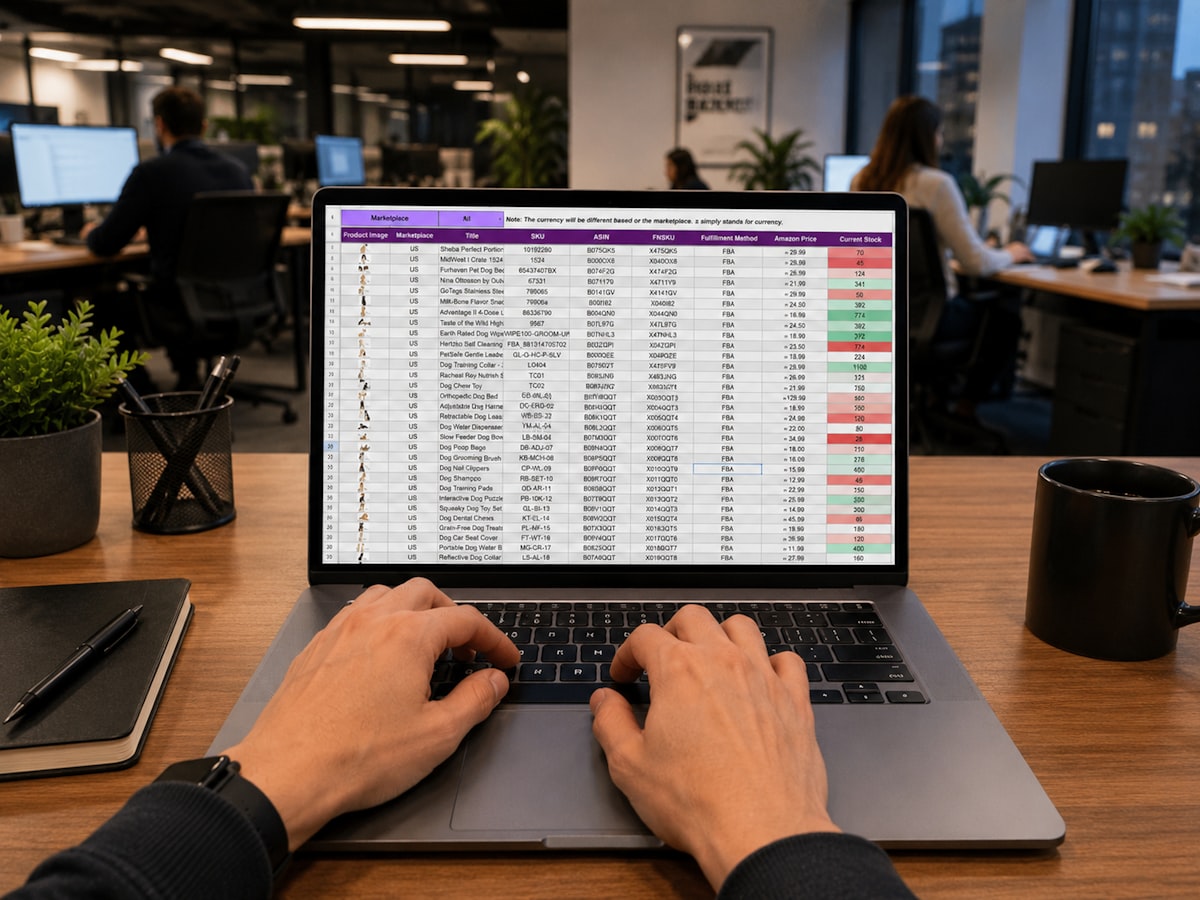
A spreadsheet is usually the first warning sign. Someone receives inventory in QuickBooks, updates a warehouse count somewhere else, then messages sales that an order can ship. That is not an Odoo vs QuickBooks inventory workflow decision on paper. It is a business deciding whether inventory is an accounting record or an operating system.
Both platforms can track products, quantities, purchases, and sales. The difference shows up when inventory has locations, substitutions, partial receipts, backorders, serial numbers, manufacturing steps, returns, or people who need to act before accounting has finished reconciling the month. Those conditions are not edge cases for a growing distributor, manufacturer, or e-commerce business. They are Tuesday.
The real divide: accounting-first vs operations-first
QuickBooks is built around the financial record. Its inventory workflow generally begins with a purchase, receipt, bill, invoice, sales receipt, or adjustment that affects quantities and valuation. For a company with straightforward stock, one location, and a small team, that can be enough. Finance gets a familiar system, purchasing has a usable record, and the monthly close does not require a separate reconciliation project.
The problem is not that QuickBooks cannot hold an inventory count. The problem is that warehouse work starts asking questions that an accounting-led workflow was not designed to answer cleanly: Which bin has the item? Is this quantity available, reserved, damaged, in transit, or awaiting inspection? Can we ship this order without consuming stock promised to another customer? Who approved the adjustment, and why?
Odoo starts from the movement of goods. A receipt, internal transfer, pick, pack, delivery, return, or manufacturing order can be its own operational event. Accounting can follow those movements under the right configuration, but the warehouse is not forced to operate as a side effect of bookkeeping.
That distinction matters because people do not physically receive inventory by entering a journal-driven transaction. They unload a truck, count exceptions, quarantine damaged goods, move stock to a bin, and try to get the urgent order out before the carrier cutoff.
QuickBooks inventory can be appropriate – within a narrow lane
QuickBooks Online inventory works reasonably well when inventory is simple: finished goods, limited item counts, few locations, no formal warehouse process, and no need for advanced allocation or manufacturing control. A service business that occasionally sells stocked equipment may not need more system than that.
QuickBooks Enterprise adds more inventory capability, including features that can support multiple locations, barcode workflows, and serial or lot tracking depending on configuration. That is a meaningful distinction. Comparing Odoo with QuickBooks Online as though they have identical inventory depth produces bad decisions before implementation even begins.
Even so, expanding QuickBooks inventory usually means adding processes around it. A third-party warehouse tool, e-commerce connector, shipping platform, spreadsheet, or custom integration may each solve one problem. Soon, a person becomes the integration between five systems. That person is competent right up until vacation, turnover, or month-end.
Odoo makes operational detail visible
Odoo can model multiple warehouses, storage locations, replenishment rules, barcode scanning, lots and serial numbers, packages, internal transfers, dropshipping, make-to-order flows, and manufacturing. It can also connect purchasing, sales, inventory, accounting, and production around the same item and transaction records.
That does not mean every business should turn on every feature. A two-person operation does not need a warehouse management ceremony before it has a warehouse. But when the physical process has real handoffs, Odoo gives the business a place to record them instead of hiding them in notes and tribal knowledge.
Where the Odoo vs QuickBooks inventory workflow breaks apart
The clearest comparison is not a feature checklist. It is the path an item takes through the business.
Receiving and putaway
In a basic QuickBooks workflow, receiving inventory updates the quantity on hand and creates the financial record needed for the purchase. That is useful, but it may not distinguish between stock that arrived at the dock and stock that is actually ready to sell. Teams often compensate with a separate receiving sheet or a manual hold process.
In Odoo, a receipt can be separated from putaway. Inventory can arrive, be inspected, moved to a designated location, and only then become available for fulfillment. That adds process, which is the point when accuracy matters. If a business does not need that control, it should keep the workflow simpler rather than build a miniature distribution center in software.
Order allocation and fulfillment
QuickBooks is often workable when staff can look at a quantity and decide what to ship. It gets strained when several sales channels compete for the same stock, orders ship partially, or customer commitments need to reserve inventory before a picker touches it.
Odoo can reserve available quantities against orders and create pick, pack, and delivery steps that match the actual warehouse. That helps operations see what is waiting on stock, what has been picked, and what is ready to leave. The tradeoff is discipline: if staff bypass the workflow with unrecorded moves, the software becomes very organized fiction.
Manufacturing and assembly
This is where many businesses outgrow a QuickBooks-centered process. Basic assemblies can be managed in QuickBooks environments, but complex bills of materials, work orders, component consumption, production scheduling, scrap, subcontracting, and traceability tend to require extra systems or manual intervention.
Odoo can connect a sales demand signal to procurement and manufacturing orders, then consume components and receive finished goods through defined steps. For a manufacturer, that can replace the daily ritual of asking production what happened and waiting for someone to update inventory after the fact.
It still needs design work. A bill of materials that ignores yield, scrap, units of measure, or real routing will create bad numbers faster than a spreadsheet. Software does not repair an undefined production process. It documents it, including the bad parts.
Returns, adjustments, and financial close
Returns are a useful stress test. A customer return may need inspection, disposition, credit handling, restocking, repair, or disposal. In a fragmented setup, each of those actions can land in a different tool with no clear owner for making the records agree.
Odoo can retain the chain from delivery to return and subsequent stock movement, with accounting entries tied to the configured valuation method. QuickBooks can record the financial side of a return, but operational treatment often lives outside the core workflow. Neither approach removes the need for controls around adjustments. If anyone can change a count without a reason, inventory accuracy is a policy problem wearing a software hat.
The hidden issue is the source of truth
Many companies attempt a compromise: QuickBooks remains the financial source of truth, while an e-commerce platform, warehouse application, or spreadsheet becomes the inventory source of truth. That can work if the integration design is explicit. It fails when nobody can answer which system wins after a sync error, partial refund, stock adjustment, canceled shipment, or backdated bill.
A reliable workflow defines ownership by event. The warehouse owns physical movements. Sales owns order changes. Purchasing owns supplier commitments. Finance owns accounting controls. The system should record those actions without requiring each department to retype the same transaction in its own preferred tool.
This is also why an Odoo implementation should not start with modules. Start with exceptions. Map what happens when a shipment is short, a lot fails inspection, an order is changed after picking, a customer returns only part of a kit, or inventory is counted differently from the system. Normal flows make demos look good. Exceptions decide whether the system survives go-live.
Choosing the right workflow without buying a bigger headache
Keep QuickBooks at the center when inventory is genuinely simple and finance needs a clean, familiar process more than warehouse control. That can be the right call for a professional services firm with incidental product sales, a small e-commerce catalog with one fulfillment point, or a company that has not yet built repeatable warehouse procedures.
Move toward Odoo when inventory is driving operational risk: multiple locations, fast fulfillment, lot or serial traceability, assemblies or manufacturing, frequent purchasing decisions, several sales channels, or recurring reconciliation fights. The case is stronger when the company already maintains spreadsheets just to explain what the accounting system says.
Do not migrate because a feature matrix says Odoo has more boxes checked. Migrate because a defined workflow needs one accountable record from order through delivery, return, and financial close. That is the difference between implementing software and simply moving chaos to a more expensive address.
A good next step is to follow one real order from purchase through receipt, storage, sale, shipment, invoice, and return. Mark every rekeyed entry, spreadsheet update, email approval, and point where staff have to ask someone what is true. The system decision will usually become less mysterious very quickly.
Related Odoo services
Ready to get Odoo working for your business?
Start with the free Odoo Assessment: a first conversation, then a written Preliminary Scope within 5 business days. Not sure Odoo fits yet? The Odoo Score tells you in under 3 minutes.