

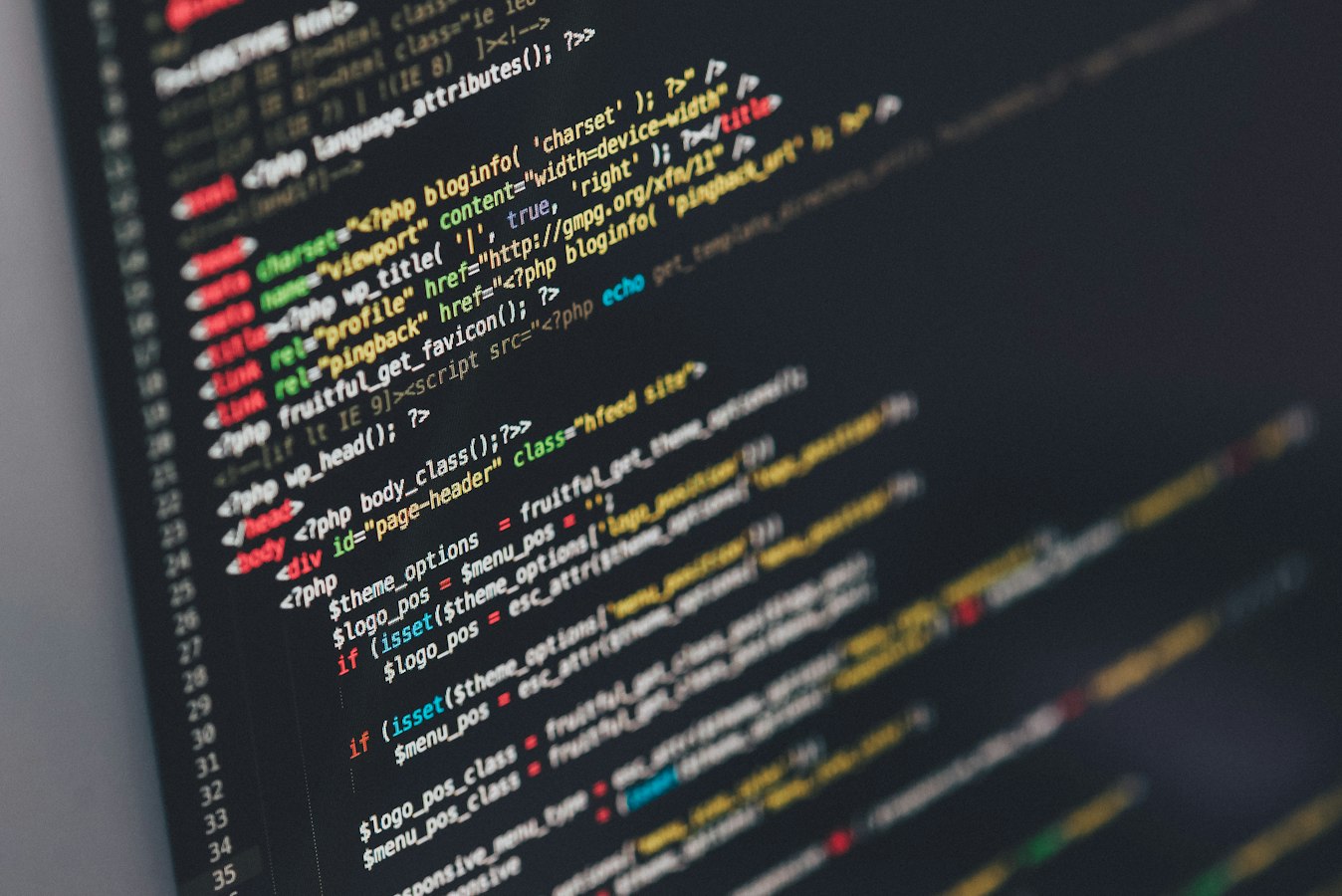
A custom code review is usually requested after something has already made people nervous: a developer left, an integration keeps failing, a portal is slow, or nobody can explain what happens when a critical job runs overnight. That is not paranoia. Mystery code is an operational risk, especially when it sits between your team and revenue, customers, inventory, payments, or regulated records.
The wrong response is to declare the whole system bad and start shopping for a rebuild. The equally wrong response is to leave it alone because it still technically works. A useful review establishes what the software does, where it can fail, who can safely change it, and whether the current setup is worth repairing.
What a Custom Code Review Actually Reviews
A code review is not a developer scrolling through files and returning a vague scorecard. For business-critical software, the code is only one part of the picture. The real question is whether the application can be operated responsibly after the original builder is gone.
That means reviewing the application architecture, database design, third-party dependencies, deployment process, hosting environment, access controls, logging, backups, and documentation alongside the code itself. A clean-looking codebase is not much comfort if production changes are made by copying files over a live server or if the only database backup has never been restored.
The review should also trace the workflows that matter. An ordering app may look fine until an order hits a partial refund. A manufacturing integration may work until an item is out of stock. A law firm portal may handle document uploads but leave files publicly reachable through predictable URLs. The expensive defects often live at the edges, where a normal demo does not go.
Start With Business Risk, Not a Repository Tour
Most code audits lose value because they begin with technical curiosity instead of operational priorities. A senior developer can find plenty to critique in almost any project. That does not tell an operations leader what needs attention first.
Start by identifying the workflows that cannot quietly fail. For an e-commerce business, that may include product availability, checkout, tax calculation, fulfillment status, and customer communication. For a nonprofit, it may be donation intake, acknowledgments, volunteer records, or a reporting process before a board meeting. For a professional services firm, it may be intake, approvals, document generation, and billing handoffs.
Then map the systems involved. A workflow that crosses WordPress, Odoo, a payment processor, an email platform, and a custom application has more failure points than any individual screen reveals. It may also have several owners and no accountable operator. That is the part to fix, not merely the least elegant function in the codebase.
A good review ranks findings by business consequence and likelihood. A minor formatting issue can wait. An unhandled payment webhook, an exposed admin route, or a nightly sync that can silently skip records cannot.
The Areas That Commonly Cause Trouble
Access, secrets, and permissions
The first concern is often not a dramatic breach. It is uncontrolled access. Shared administrator accounts, former contractors with credentials, API keys stored in source files, and production passwords passed around in chat are all common. So are applications that trust a user interface to enforce permissions while the underlying API accepts requests it should reject.
A review should establish who has access, how identities are managed, where credentials live, and whether sensitive actions are logged. The goal is not paperwork for its own sake. When someone asks who changed a payout rule, deleted a record, or accessed a file, “we think it was probably this account” is not a credible answer.
Failure handling and data integrity
Custom software often fails politely. A button says “saved” while a background job fails later. An integration retries a request without recording the outcome. Two systems each believe they own the customer record, and the newest update wins whether it is correct or not.
Reviewers should look for validation at system boundaries, duplicate-event handling, error reporting, retry logic, and reconciliation paths. If an external service is unavailable, what happens next? If a sync runs twice, does it create duplicate invoices? If data cannot be written, does someone know before a customer calls?
The answer does not have to be elaborate. Some processes need queues, retries, and audit records. Others need a simple failure notification and a documented manual recovery step. The right design follows the cost of being wrong.
Dependencies and abandoned components
Many applications are held together by packages nobody has reviewed since launch. Some are no longer maintained. Others carry known security issues, or are pinned to old versions because updating them might break custom behavior.
This does not mean every old dependency requires an emergency upgrade. Updates can create their own failures, particularly in older applications with thin test coverage. The review should identify what is outdated, why it remains in place, what risk it creates, and how changes can be tested before production. A dependency list without that context is just another document that nobody reads.
Deployments, backups, and recoverability
Ask how a change gets from a developer’s laptop to production. If the answer involves direct edits, FTP, a zip file, or someone remembering a sequence of clicks, you have found a process problem before finding a code problem.
A workable deployment process separates development, testing, and production. It keeps a record of what changed and provides a path back when a release goes wrong. Backups matter too, but only if restoration has been tested. A backup that has never been restored is a comforting theory.
For systems with customer or financial data, recovery also includes understanding how to reconcile transactions created between the backup and the incident. Restoring a database is not automatically the same as restoring operations.
What You Should Receive From the Review
A credible custom code review should produce decisions, not a 40-page complaint about variable names. The useful output is a clear inventory of the application and its dependencies, a map of critical workflows, a list of material risks, and a prioritized remediation plan.
Each finding should explain the issue in plain language, the likely business effect, the evidence behind it, and the recommended next step. It should distinguish between immediate containment, planned repair, and longer-term modernization. Those are different conversations with different budgets and owners.
Documentation deserves special attention. A future developer should be able to set up the project, understand its environments, locate configuration, deploy a change, and respond to predictable failures without archaeological work. If that sounds basic, it is. It is also frequently absent.
The review should state what is not known. Sometimes source code is incomplete, production access is restricted, or nobody can locate the old vendor account. Pretending certainty in those conditions is how a technical assessment becomes theater.
Repair, Replace, or Operate What You Have?
A review may recommend targeted repair rather than replacement. That is often the sensible result. If the core workflow is sound but deployments are risky and monitoring is missing, rebuilding the application would be an expensive way to avoid setting up disciplined operations.
Replacement becomes more reasonable when the system cannot be safely changed, the data model blocks necessary work, critical components are unsupported, or the code no longer matches the business process. Even then, a rebuild should be staged around specific operational problems. “Let’s modernize everything” has buried more useful projects than bad code has.
There is also a middle path: stabilize the existing application, document it, place it under change control, and replace individual components as risk or business need justifies the work. That approach is less exciting than a rewrite announcement. It is often much easier to defend.
When to Bring in an Outside Reviewer
An outside review is most useful before a major handoff, acquisition, integration, launch, or vendor transition. It is also appropriate after an incident, provided the goal is to understand the conditions that allowed it, not to find someone to blame.
Independence matters. The team that built the software may know it well, but they are not always positioned to challenge their own assumptions. The reviewer should be able to say that a proposed feature is not worth adding yet, that an integration needs guardrails, or that a rebuild is unnecessary.
At Parameter, we review custom applications and integrations in the context that matters: how your people use them, what breaks when they fail, and what it takes to keep them running after the review is over. The point is not to make your system look good in a slide deck. It is to make its risks visible enough to manage.
If nobody can explain how a critical workflow is deployed, recovered, and owned, schedule the review before the next deadline forces the question. Calm is much cheaper when it is planned.
Want WordPress to feel handled?
Self-serve onboarding takes minutes. Parameter takes care of the rest, hosting, ops, and improvements when you need them.