

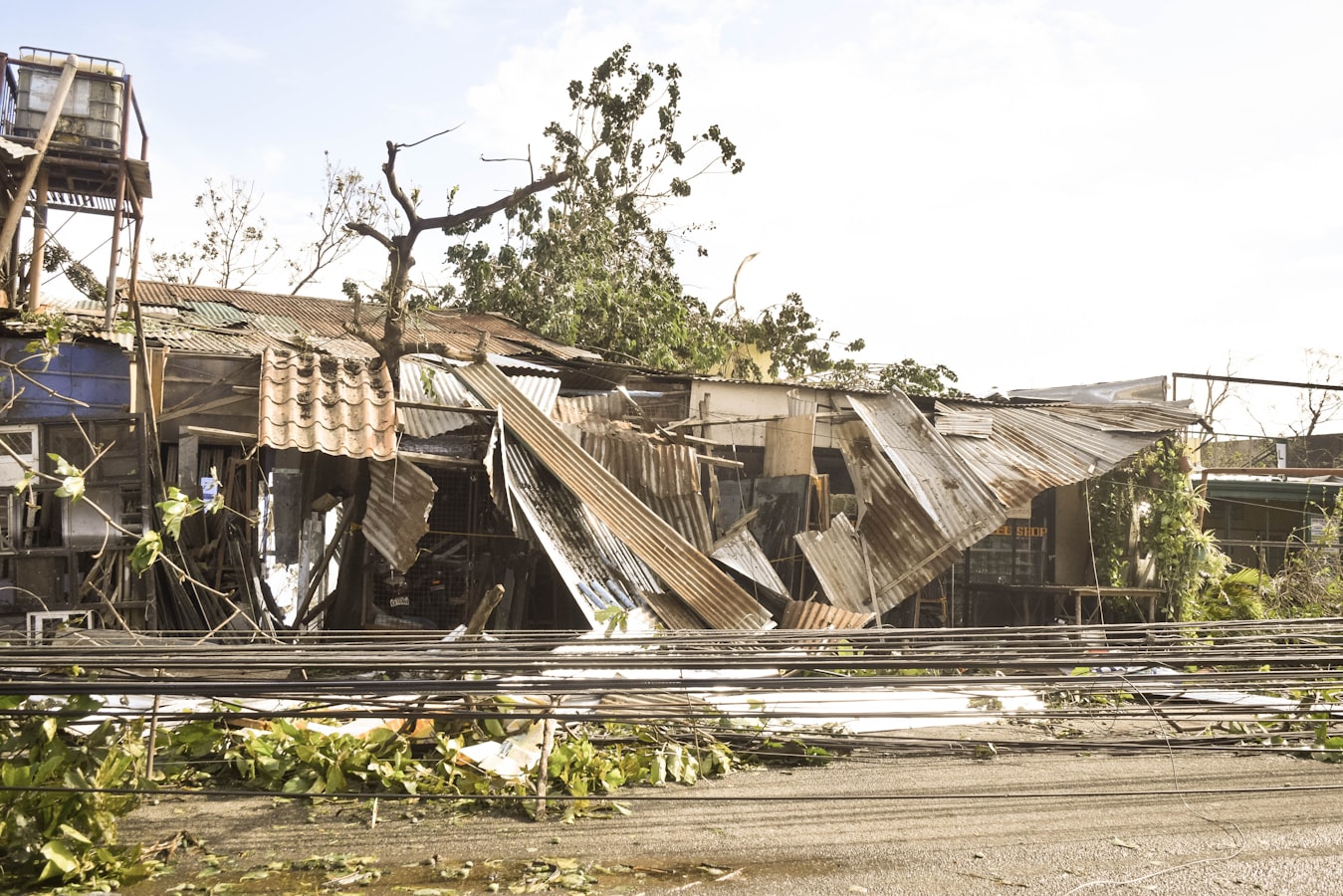
Most companies don’t realize they need a wordpress disaster recovery plan until WordPress does what WordPress does – break at the worst possible moment. Usually it’s right before a campaign, a board update, a donation push, or a Monday morning when someone important is refreshing the homepage and seeing a white screen.
That’s the wrong time to decide who has hosting access, where backups live, or whether anyone has tested a restore in the last year. A recovery plan is not a backup plugin and a vague promise from a freelancer. It’s an operating document that tells your team what failed, who owns the response, what gets restored first, and how you get back to an acceptable state without turning Slack into a crime scene.
What a WordPress disaster recovery plan is really for
The goal is not perfection. The goal is controlled failure.
Every WordPress site has risk. Core updates can conflict with plugins. Hosting can fail. SSL can expire. A form can stop sending leads for three days before anyone notices. Malware can inject junk pages into Google. Someone can delete the wrong thing while “just making a quick edit.” If your site drives revenue or reputation, the question is not whether something will break. The question is whether your team can respond like operators instead of bystanders.
A usable plan gives you four things: clear priorities, named owners, tested recovery steps, and realistic recovery targets. If those aren’t documented, you don’t have a plan. You have optimism.
The mistakes that make recovery slower than it needs to be
The most common mistake is confusing backups with recovery. Backups matter, obviously. But if nobody knows where they are, how current they are, how to restore them, or what breaks after the restore, they’re just expensive comfort objects.
The second mistake is split responsibility. Hosting says the server is fine. The plugin vendor says it’s a theme issue. The freelancer is traveling. Marketing has admin access but not DNS access. IT owns the domain but not the CDN. Everyone is technically involved, which means nobody is actually accountable.
The third mistake is restoring blindly. Teams panic, roll back the whole site, and accidentally wipe out recent orders, form submissions, content edits, or membership data. Recovery is not just getting a website to load. It’s restoring the right version of the right systems in the right order, with a clear understanding of what data may be lost between backup points.
Start with business impact, not server jargon
A strong wordpress disaster recovery plan starts by ranking what matters most to the business. For an ecommerce company, checkout and transactional email likely come before the blog. For a law firm, lead forms, attorney bios, and contact pages may matter more than a resource archive. For a nonprofit in campaign season, donation flow and campaign landing pages are the priority.
This matters because not every incident needs the same response. If the whole site is down, that’s one path. If the site is up but leads are silently failing, that’s another. If malware is present, your first move may be containment, not restoration. Good plans separate critical functions from nice-to-have pages so the team knows what must come back first.
You should also define your acceptable downtime and acceptable data loss. Those are business decisions dressed up as technical terms. If losing four hours of form submissions would create a serious commercial or compliance problem, your backup schedule and monitoring need to reflect that reality.
What to include in a WordPress disaster recovery plan
The plan itself should be short enough to use under pressure and detailed enough to remove guesswork. That usually means a practical document, not a heroic fifty-page PDF no one opens.
Incident types and response paths
Start with the failures you’re actually likely to face: full site outage, degraded performance, failed update, hacked site, expired SSL, DNS issue, broken forms, payment failure, and admin lockout. Each one needs a response path. The first actions for malware are different from the first actions for a bad plugin update.
Systems inventory
Document where the site actually lives and what it depends on. That includes hosting, DNS, CDN, SSL, backups, email delivery, payment gateways, forms, third-party integrations, cron jobs, analytics, and anything tied to Odoo or another ERP. If your website pushes leads, orders, or customer data into another system, recovery is not finished just because the homepage loads.
Access and ownership
List who owns each part of the stack and who has credentials. Include primary and backup contacts. If one person is the only one who can access DNS, that’s not a setup. That’s a hostage situation with a calendar invite.
Recovery order
Set the restore sequence in plain English. Example: stabilize hosting, put the site in maintenance mode if needed, restore files and database from the last known good backup, verify admin access, confirm forms and checkout, re-enable integrations, then validate analytics and SEO-critical pages. The exact order varies, but the point is to decide it before an outage.
Communication rules
During an incident, someone needs to communicate with leadership and internal teams. Someone else needs to work the problem. If one person is doing both, updates get messy and technical work slows down. Your plan should define who gives status updates, how often, and what gets reported.
Backups matter, but tested restores matter more
You want automatic backups at a frequency that matches the cost of data loss. A brochure site might tolerate daily backups. An ecommerce store with steady order volume may need much tighter recovery points. The same goes for a high-traffic nonprofit campaign or a lead-gen site running paid traffic.
But the real test is restore confidence. Can your team restore to staging first, verify the site works, and then promote recovery steps into production? Do you know how long a full restore actually takes? Have you tested whether recent transactions, media uploads, and form entries survive the process?
If the answer is no, your recovery time estimate is fiction. Plenty of teams say they can recover in an hour because they’ve never timed it under pressure.
Staging-first changes reduce the odds you’ll need the plan
A disaster recovery plan is not just for disasters. It should shape how you operate day to day.
Most preventable WordPress incidents come from unsafe change management: plugin updates run directly in production, custom code edited live, no visual regression check, no rollback point, and no monitoring on the functions that matter. Then everyone acts surprised when a minor update takes out checkout or breaks mobile navigation.
This is where operational discipline pays for itself. Stage changes first. Test core user paths. Take a fresh backup before updates. Monitor uptime and key functions. Document what changed and when. None of this is glamorous. It is, however, a lot cheaper than emergency cleanup.
The recovery plan should cover reputation, not just infrastructure
When a site fails, the technical issue is only half the problem. The other half is trust.
If a donor can’t give, a prospect can’t submit a form, or a customer sees security warnings, the business impact starts immediately. Search engines may pick up hacked pages. Paid traffic may keep spending against broken landing pages. Internal teams may keep sharing URLs that no longer work. Your plan should include temporary messaging, traffic pauses where appropriate, and post-incident checks for indexing, redirects, transactional flows, and customer-facing errors.
This is especially important for firms and organizations where credibility is part of the product. A law firm, manufacturer, or SaaS company can absorb some inconvenience. Public signs of disarray are harder to write off.
How often to review a WordPress disaster recovery plan
At minimum, review the plan every quarter and after any major site, hosting, or vendor change. If you move DNS, add a CDN, change payment systems, connect new Odoo workflows, or swap email providers, the plan should be updated right then, not six months later when nobody remembers what changed.
You should also run a tabletop exercise once or twice a year. Not a theatrical one. Just gather the people who would be involved, pick a failure scenario, and walk through the first thirty minutes. You’ll find the gaps quickly. Missing credentials, stale contacts, unclear ownership, and fake recovery assumptions tend to show up fast when someone asks, “Okay, who actually logs in and does that?”
A good plan gets calmer over time. It gets shorter, clearer, and more specific because it’s based on real operations, not generic advice.
If your website is important enough to worry about, it’s important enough to operate like production software. That doesn’t mean overbuilding everything. It means deciding, before the next outage, how your team will respond when WordPress stops being cooperative. That’s usually not a question of if. It’s a scheduling issue.
Want WordPress to feel handled?
Self-serve onboarding takes minutes. Parameter takes care of the rest, hosting, ops, and improvements when you need them.