

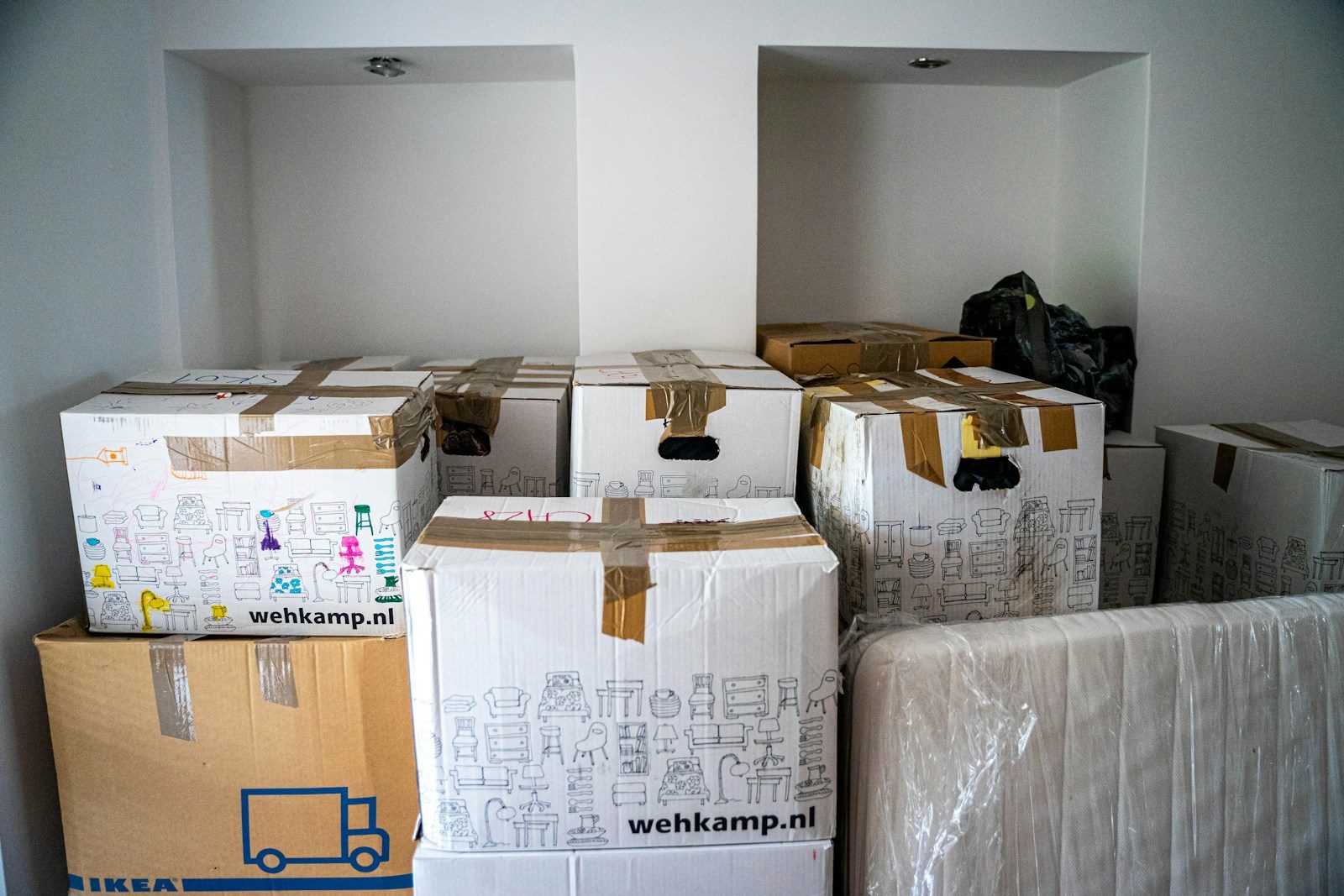
Most WordPress migrations fail before anyone touches the files.
The real problem usually starts earlier – bad access, mystery plugins, no clean backup, outdated PHP, hardcoded URLs, custom code nobody documented, and a launch date picked by marketing instead of operations. Then the move gets framed like a copy-paste task. It isn’t. A wordpress site migration service is risk management for a live business system.
If your site brings in leads, processes orders, supports fundraising, or carries your brand through board meetings and campaign launches, migration is not a side errand for whoever still has cPanel access. It needs planning, testing, rollback options, and one team that owns the outcome. Anything less is how you end up explaining to leadership why forms stopped routing or why the checkout broke at 9:12 a.m.
What a wordpress site migration service is really for
A good migration service does more than move a website from one host to another. It verifies how the site actually works, what can break, and how to move it without turning launch day into an incident call. That includes the obvious pieces – files, database, DNS, SSL, email routing – and the less obvious ones, like cron jobs, third-party integrations, redirects, licensing, caching rules, and background tasks.
This matters because WordPress rarely breaks in clean, dramatic ways. More often, it half-works. The homepage loads, but form submissions disappear. Admin email stops sending. Search rankings drop because redirects were skipped. Logged-in users see one thing, public users see another. Donations process, but the CRM sync fails quietly for three days.
That’s why the value of a migration isn’t in the transfer itself. It’s in reducing the chance that hidden dependencies turn into business interruptions.
The biggest mistake: treating migration like hosting setup
A lot of providers still sell migrations like a free extra attached to hosting. That can be fine for a brochure site with five pages and no real operational stakes. It is not enough for a law firm intake site, a nonprofit donation flow, a WooCommerce store, or a SaaS company site tied to lead routing and analytics.
Hosting is infrastructure. Migration is change management.
Those are related, but they are not the same job. Infrastructure answers where the site lives. Migration answers whether the site, data, integrations, and workflows still function after the move. If your provider only talks about copying files and updating DNS, they are describing transport, not accountability.
What should be included in a wordpress site migration service
At a minimum, the service should start with an inventory. Not a vague “we’ll take a look,” but a real pre-migration review of the current environment. That means WordPress core version, plugin and theme status, PHP compatibility, custom code, hosting configuration, scheduled tasks, forms, analytics, CDN behavior, transactional email, and any external systems the site touches.
Then there should be a staging migration first. Production-first moves are how avoidable mistakes reach the public. A staging copy gives the team space to test plugin conflicts, rewrite rules, image paths, search-and-replace issues, and anything hardcoded by a past developer who has since vanished into the mist.
You also want a defined validation process. That should include page rendering, forms, checkout or donation paths, login behavior, redirects, SSL, XML sitemaps, admin access, backups, and performance checks. If the site feeds another system like Odoo, Salesforce, HubSpot, or a niche legal or nonprofit platform, those handoffs need testing too. “The pages load” is not a launch standard.
Rollback planning matters just as much. A serious provider has a documented path to reverse the cutover if something critical fails. Not because failure is expected, but because adults plan for the possibility. Hoping nobody notices an issue until Monday is not a rollback plan.
Why critical sites need more than a one-time mover
Some migrations are straightforward. Many are not.
If the site has years of plugin sprawl, old agency code, inconsistent updates, or no staging history, migration becomes a useful stress test. It reveals how much technical debt is sitting under the surface. That can be uncomfortable, but it’s better to find out with a plan than during a campaign launch.
This is also where a one-time mover often falls short. They can get the site across, but they may not stay accountable after cutover. If DNS propagates unevenly, a plugin update exposes a conflict, backups were never verified, or performance drops under traffic, you need operators, not just movers.
WordPress has a habit of behaving until it doesn’t. That’s why migration should connect directly to ongoing operations – monitoring, tested backups, safe updates, and someone who knows the environment well enough to respond fast when something goes sideways.
Red flags when evaluating a wordpress site migration service
If a provider promises a migration without asking detailed questions, that’s a red flag. Critical sites are messy. Anyone who assumes yours is simple without checking is either inexperienced or trying to get to the invoice faster.
Another red flag is vague ownership. If one vendor handles hosting, another handles DNS, a freelancer manages plugins, and your internal team is expected to test everything after hours, you don’t have a migration plan. You have a future argument.
Watch for providers who skip staging, skip rollback discussion, or act like backups alone make the move safe. Backups are necessary. They are not a substitute for validation. Restoring a broken site after users have already hit the problem is still downtime.
Be cautious with “free migration” language when the site supports revenue or reputation. Free can be fine when the site is simple and the stakes are low. If your homepage outage would trigger executive messages, donor complaints, lost leads, or customer support volume, the migration deserves actual process.
Migration trade-offs are real
There is no zero-friction migration. Someone who tells you otherwise is selling comfort, not operations.
For example, a fast cutover window may reduce project time, but it can also compress testing. Migrating an old site as-is may lower immediate effort, but it carries old problems into the new environment. Cleaning up plugins, fixing PHP compatibility, or replacing abandoned code before the move makes launch safer, though it adds scope.
The right call depends on the site’s role and risk profile. A nonprofit with a major fundraising event next week may choose a narrower migration now and cleanup after. An e-commerce business with ongoing checkout issues may be better off fixing core problems before moving. The point is not that every migration should be big. The point is that the trade-offs should be named, documented, and owned.
Where migrations usually go wrong after launch
The immediate post-launch period is where hidden issues show up. Caches serve stale content. DNS resolves differently by region. Form notifications fail because the new server can’t send mail correctly. Security plugins block needed API traffic. Redirect chains appear where nobody checked old campaign URLs. Analytics lose attribution because scripts were loaded differently.
None of this is exotic. It’s normal. The difference between a controlled migration and a bad one is whether someone is watching for these issues and knows the system well enough to fix them without finger-pointing.
That’s why post-migration monitoring matters. You want logs, uptime checks, backup verification, and someone reviewing what changed, not just assuming success because the homepage works from their office Wi-Fi.
What buyers should ask before signing
Ask who owns the migration end to end. Ask what gets inventoried before work starts. Ask whether staging is required, how validation is handled, who performs testing, and what rollback looks like. Ask what happens in the first 24 to 72 hours after cutover.
Also ask a more uncomfortable question: what does this provider do when they find a mess? Because many WordPress environments are messy. There may be abandoned plugins, unknown admin users, old malware remnants, or custom theme code held together by optimism. You want a team that can say, plainly, what needs fixing now, what can wait, and what risk stays on the table if you choose speed over cleanup.
That mindset is a big reason companies move from freelancer setups and ticket-queue agencies to an operations model. One accountable team, staging-first changes, tested backups, monitoring, documented work, and a monthly operating rhythm are not extras. They are what make WordPress tolerable when the site actually matters. Parameter is built around that reality because break-fix chaos stops being charming the moment revenue or reputation depends on the site.
A wordpress site migration service should leave you with more than a moved website. It should leave you with a cleaner operating picture, fewer unknowns, and a clearer answer to a simple executive question: if something breaks, who owns it?
Want WordPress to feel handled?
Self-serve onboarding takes minutes. Parameter takes care of the rest, hosting, ops, and improvements when you need them.