WordPress Maintenance Without the Update Anxiety
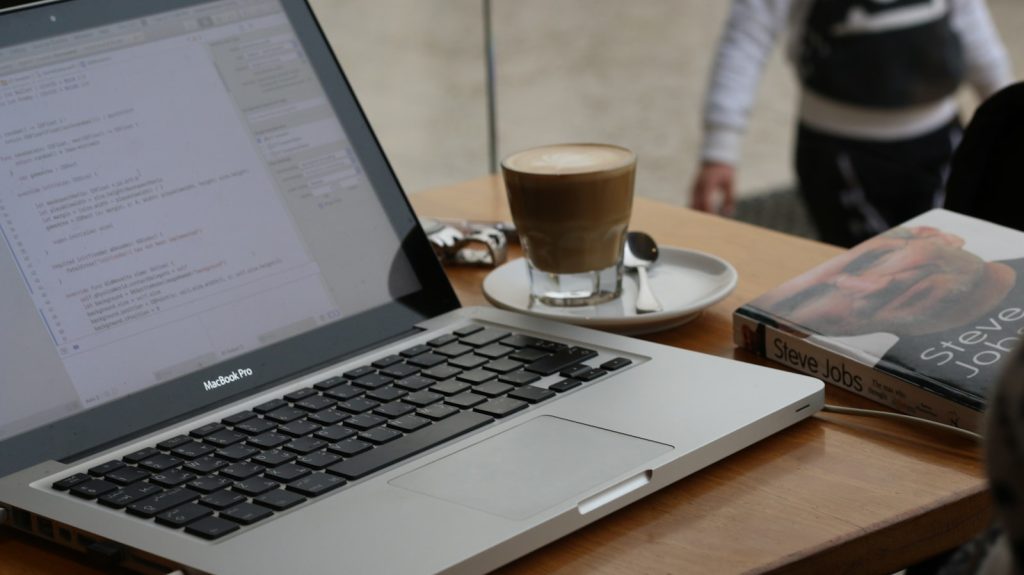
WordPress maintenance without the update anxiety
Everything was fine… until the day a routine plugin update turned into a small cascade of weirdness: a button style shifted, a form stopped sending, and the site felt just a little slower than last week.
No alarms. No dramatic outage. Just that familiar feeling: Do we touch anything, or do we leave it alone and hope?
Here’s the contrarian truth we see most often: WordPress doesn’t suck. Unmanaged WordPress does. The platform is capable. The ownership experience becomes painful when nobody is operating it like a system.
The problem: “maintenance” becomes guessing
Most frustrated owners aren’t upset about WordPress itself. They’re upset about the day-to-day ownership pattern:
- Updates feel fragile, so they get postponed.
- Postponed updates increase incompatibilities and security blind spots.
- Performance slowly decays (more scripts, more plugins, more weight).
- When something breaks, it’s unclear who owns the fix.
That’s not a software problem. That’s an ops problem.
The slow decay: small failures pile up
In practice, unmanaged WordPress sites rarely fail all at once. They erode.
A composite (very common) timeline looks like this:
- Week 1: A plugin adds a feature. It works. Everyone moves on.
- Week 6: Another plugin overlaps with it. Nothing “breaks,” but the admin gets slower.
- Week 10: Updates stack up. Someone says, “Let’s wait until after the campaign.”
- Week 14: A theme update changes a template. A page looks off on mobile.
- Week 18: A form plugin update conflicts with caching. Leads go quiet—silently.
Two quiet truths show up here:
- Hosting isn’t management. Great hosting can’t decide which plugin to remove, what to test, or when to deploy changes.
- DIY creates a responsibility vacuum. Not because you’re incapable—because ownership without a process is brittle.
What’s actually happening (the ops explanation)
WordPress ownership feels chaotic when there are too many moving parts and no consistent controls around them.
Most sites include:
- WordPress core + a theme + a builder (sometimes)
- Multiple plugins (often overlapping responsibilities)
- Caching layers (plugin, host, CDN—sometimes all three)
- Integrations (CRM, email, analytics, forms, payments)
- Multiple people touching it over time (marketing, dev, contractor, “that one person who knows the login”)
Without ops, updates become a live-fire exercise. Not because updates are “bad,” but because:
- No inventory: nobody knows what’s installed, why it’s there, or what depends on it.
- No safe change path: changes happen directly on production (or staging exists but isn’t trusted).
- No monitoring: failures are discovered by customers, not systems.
- No defined ownership: when something breaks, everyone waits for someone else.
That’s the source of update anxiety: uncertainty.
The breaking point: when the site “works” but the business doesn’t
Usually the moment arrives during something mundane: a campaign launch, a content push, a new landing page.
A page loads slowly. A checkout fails for a subset of users. A form confirmation never arrives. Nobody can confidently say:
- What changed?
- What should we roll back?
- Is this isolated or systemic?
And that’s when WordPress ownership starts to feel like a trap: the site is “up,” but you don’t trust it.
The reset: make WordPress boring with ops
The fix isn’t a new theme or “one more plugin.” The fix is treating your site like an operated system.
What we typically put in place to stabilize a WordPress site looks like this:
- Asset inventory: what’s installed, what it does, and what’s safe to remove.
- Staging + release path: changes get tested before production.
- Change control: planned update windows, documented changes, and quick rollback options.
- Monitoring: uptime, performance signals, and key flows (like forms) so silent failures aren’t silent.
- Backups you can trust: not just “we have backups,” but “we’ve validated restores.”
- Security basics as a routine: updates, access hygiene, and visibility into what’s exposed.
It’s not flashy. That’s the point. Stability is a process.
Short steps: stabilize an unmanaged WordPress site
If you want a practical starting point, here’s a short ops-first checklist you can run this week:
- List what you run. Export a plugin list and note the business purpose of each one.
- Pick a change window. Stop “random updates.” Choose a consistent time to update and test.
- Use staging (for real). If staging exists, make sure it matches production closely enough to trust results.
- Update in a safe order. Typically: backups → staging updates → test key flows → production updates.
- Test what makes money. Forms, checkout, booking, email capture—whatever your site exists to do.
- Reduce overlap. If two plugins do similar jobs, pick one. Fewer moving parts = fewer conflicts.
- Set basic monitoring. At minimum: uptime + page speed trend + a check for your primary form.
If you read that list and thought, “We could do this, but we won’t do it consistently,” you’re not alone. Consistency is the hard part.
A quick myth (that keeps owners stuck)
Myth: “We pay for managed hosting, so we’re covered.”
Reality: Managed hosting can be excellent infrastructure, but it typically doesn’t own your plugin stack, testing workflow, or business-critical user journeys. That’s site operations.
The decision moment: DIY vs managed ops
There’s no moral victory in DIY. There’s only a tradeoff.
- DIY can work if you have a repeatable update process, time to test, and someone accountable.
- Managed WordPress ops fits when the site is business-critical and you want stability without carrying the operational load.
If you want WordPress support that’s built around process—not heroics—this is exactly what we do.
Make WordPress boring again
Protect is designed to turn fragile WordPress ownership into boring, steady operations—updates, monitoring, and routine care with clear responsibility.
If you’d rather start with a diagnostic, you can also run the Audit to get clarity on what’s actually going on.
Either way, the goal is the same: stop guessing and start operating your site like it matters.
